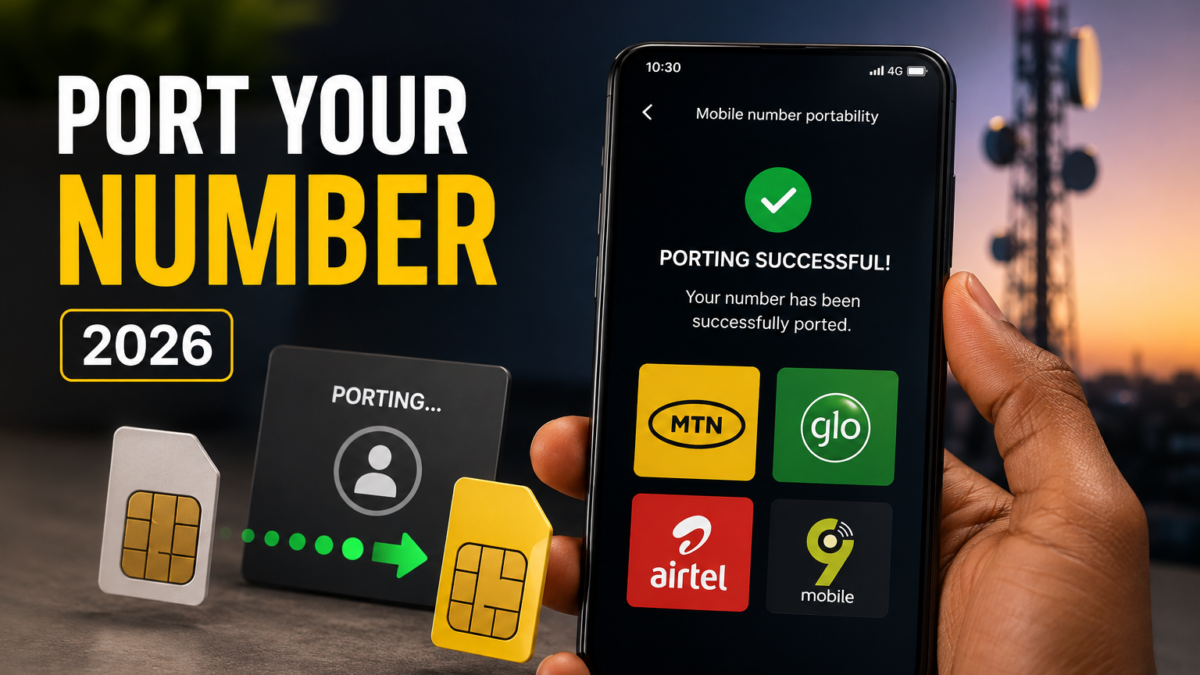
Mobile Number Portability has been law in Nigeria since the regulations were gazetted in July 2014, and the business rules governing how operators handle it were last revised in December 2020. It lets you leave MTN for Airtel, or Glo for 9mobile, and keep the number your bank, your customers and your family already have. The process is free, it’s regulated, and it takes a day or two rather than the weeks people assume.
Most of the confusion around it comes from people expecting to start with their current network, which is backwards and wastes a trip. Porting begins at the operator you’re moving to, not the one you’re leaving, and there’s a protection built into the rules that your current network would rather you didn’t know about.
Spend your airtime first, because none of it survives the move
The NCC’s own consumer guidance is direct about this. Airtime and data don’t transfer between networks, so whatever balance sits on your line when the port completes is gone. If you’ve got ₦5,000 of credit and 20GB of unused data, that’s ₦5,000 and 20GB you’ve donated to a company you’re in the middle of leaving.
Run the balance down over the week before you start. Any outstanding bill on a postpaid line needs settling too, since an unpaid account gives your current operator a legitimate reason to block the port. Back up your contacts and messages while you’re at it, because you’ll be putting a physically different SIM into the phone and anything stored on the old one stays on the old one.
Everything happens at the network you’re joining
Walk into an outlet belonging to the operator you want to move to, whether that’s an MTN service centre, a Glo shop, a 9mobile experience centre or an Airtel office, and ask to port your number in. They’ll give you a Port Request Form to complete.
Bring a valid government-issued ID, meaning your national ID card, driver’s licence, voter’s card or international passport, and a photocopy, since some outlets ask for one. A passport photograph is sometimes requested depending on the network. The identity check exists because your number is tied to SIM registration, and the new operator has to satisfy itself you’re the person entitled to move it.
You’ll be issued a new SIM card that will eventually carry your existing number. Don’t discard the old SIM yet, since it stays in use until the port completes and you’ll need it for the next step.
The text that actually authorises it
From your existing SIM, send the word PORT to 3232. If you’d rather do it by voice, dial 3232 and follow the recorded prompts. That shortcode is the official one for porting across every Nigerian network and the NCC has preserved it through the harmonisation of USSD codes, so it hasn’t changed and won’t.
A confirmation SMS follows. Read it rather than dismissing it, since it may carry instructions specific to your situation and ignoring them stalls the request. The validation step is what tells the system you personally authorised the move, which is the safeguard against somebody porting your number away without your knowledge.
Completion normally lands inside 24 to 48 hours according to the NCC, and operators frequently do it faster. Your line will go quiet briefly while the switch happens, so avoid porting on a day you’re expecting an important call or a bank OTP.
Your old network is not allowed to call and beg
This is the part most people porting in Nigeria have never been told. Under the porting rules, your current operator is prohibited from contacting you during the process to talk you out of leaving. No retention call, no sudden offer of a better tariff, no agent explaining what you’ll be missing.
If it happens anyway, you’re entitled to report it, either to the network you’re joining or directly to the NCC. Keep the date and time and the number that called. The Commission runs a free second-level complaints service on 622 for exactly this kind of thing, and the same route handles the more common billing disputes covered in our guide to why MTN airtime keeps disappearing and how to stop it.
Check your phone can use the network before you commit
The NCC specifically advises confirming your device is compatible with the new network, particularly for 4G and 5G, and this catches people out. Nigerian operators don’t all transmit 4G on the same frequencies, so a phone that holds a strong 4G signal on one network can drop to 3G on another in the same location, and porting doesn’t reverse.
The test costs nothing. Borrow a SIM from somebody already on the network you’re considering, put it in your phone at home and at work, and watch what the signal does over a day or two. That tells you more than any coverage map, and it tells you before the decision becomes permanent rather than after.
What changes on the other side
Your number stays identical and callers notice nothing. What doesn’t come with you are the services attached to your old account, so voicemail, any SMS or MMS configuration and every value added subscription you had will need setting up again on the new network. Recharge codes and data bundle codes change too, since those are operator-specific.
- Spend down your airtime and data, and settle any outstanding bill.
- Back up contacts and messages stored on the SIM.
- Visit an outlet of the network you’re joining with valid ID and complete the Port Request Form.
- Collect the new SIM but keep using the old one for now.
- Text PORT to 3232 from the old SIM and follow the confirmation message.
- Insert the new SIM once porting completes, then reconfigure your services.
One habit worth carrying across is Do Not Disturb, which doesn’t follow you either. Text STOP to 2442 on the new line to opt out of value added services before the promotional messages start, and our piece on stopping disturbing SMS from MTN, Glo and the rest covers the partial options if you’d rather keep some categories.
Whether porting is worth the errand depends on what’s actually bothering you. If the complaint is coverage or call quality where you live, a different network genuinely fixes it. If it’s that your bundle vanishes faster than it should, the cause is often on the phone rather than the network, and our breakdown of why data finishes fast even when you aren’t streaming and our look at the apps quietly eating data in the background are worth reading before you change anything.