
OpenAI will remove ChatGPT Standard and Advanced voice from the app on Friday, December 11, 2026, leaving GPT-Live as the only voice you can pick. The company started telling users on November 10, and its help page says anyone who still has either of the older voices selected will be moved to Live voice automatically on that day.
If you talk to ChatGPT on your phone to practise English, ask quick questions on the go or get help while your hands are busy, this changes how that conversation feels, though you won’t lose anything you’ve already said to it. You have about two and a half weeks left to use the old voices, and there’s one feature that stays on the old system for now.
Your old voice chats stay right where you left them
OpenAI’s help page on the retirement says conversations you had with Advanced or Standard voice remain in your ChatGPT history. You can open any of them after December 11 and carry on by typing, or by speaking, in which case GPT-Live will answer from that point on. There’s nothing to back up or move.
The only thing that disappears is the choice itself. From December 11, the two older options will no longer show in the voice model picker under Settings > Voice. If you want to hear how GPT-Live sounds before the switch is made for you, go to that same menu now and select Live.
Free and paid accounts don’t get the same Live voice
GPT-Live arrived in July as two models. When it was announced on July 8, OpenAI said GPT-Live-1 would become the default voice for Go, Plus and Pro subscribers, while free users would get the smaller GPT-Live-1 mini. So if you use ChatGPT without paying, the voice you’re moved to on December 11 is the mini version.
The bigger difference from the old voices is how a conversation flows. OpenAI explains that Standard voice chained three separate models together, one to turn your speech into text, one to write the reply and one to read it out, which made answers slow. Advanced voice handled audio in a single model but still waited for you to stop talking before replying. GPT-Live listens and speaks at the same time, so you can cut in with a question, pause to think without being interrupted, or ask it to slow down.
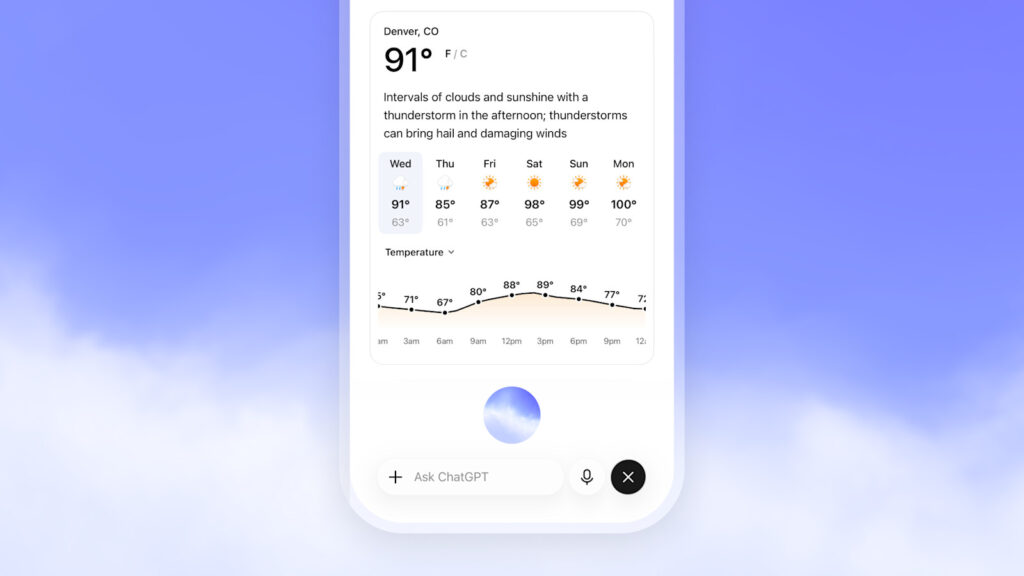
It can also show cards on screen while you talk, for things like weather, stocks and sports, and it hands harder questions that need a web search or deeper reasoning to OpenAI’s text models in the background while it keeps the chat going.
Live video and screen sharing keep running on the old voice
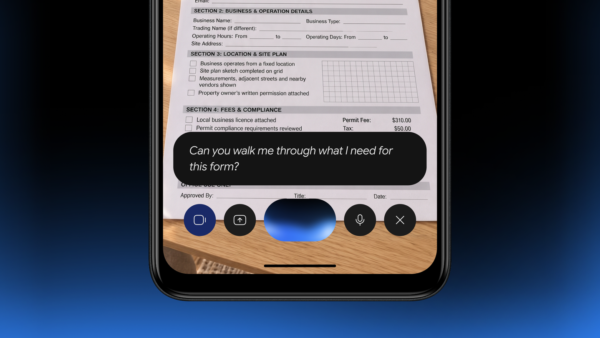
GPT-Live still can’t handle voice with live video or screen sharing. OpenAI says both features will keep running on Advanced voice until GPT-Live gets that ability, and it hasn’t given a date for that. If you point your camera at a homework question or share your screen while talking to ChatGPT, that should keep working after December 11.
Custom GPTs follow a different timetable. OpenAI says voice chats with custom GPTs will keep using Advanced voice up to December 11, and it points custom GPT users to a separate help article on that change.
Why OpenAI is cutting the older voices now
OpenAI says voice use has nearly doubled since GPT-Live launched and that virtually everyone using voice in ChatGPT already uses it. Keeping three voice systems running doesn’t make much sense for the company at that point, and it says it will bring the parts people liked about the older voices, such as more detailed answers and better continuity across conversations, into GPT-Live instead.
This is the latest in a run of ChatGPT changes this month, after ChatGPT started turning photos into GIFs, and OpenAI also moved its paid plans forward with GPT-6.1 Terra in October.
For most people the practical step is small. Open Settings > Voice, switch to Live and use it for a few days before December 11, so that if the new voice talks faster or more casually than you’d like, you can tell it so in conversation while you still have the old option to fall back on.