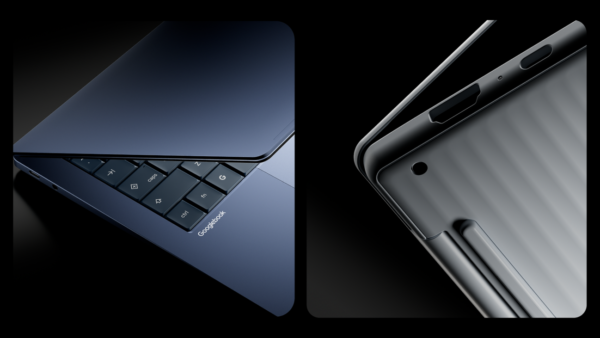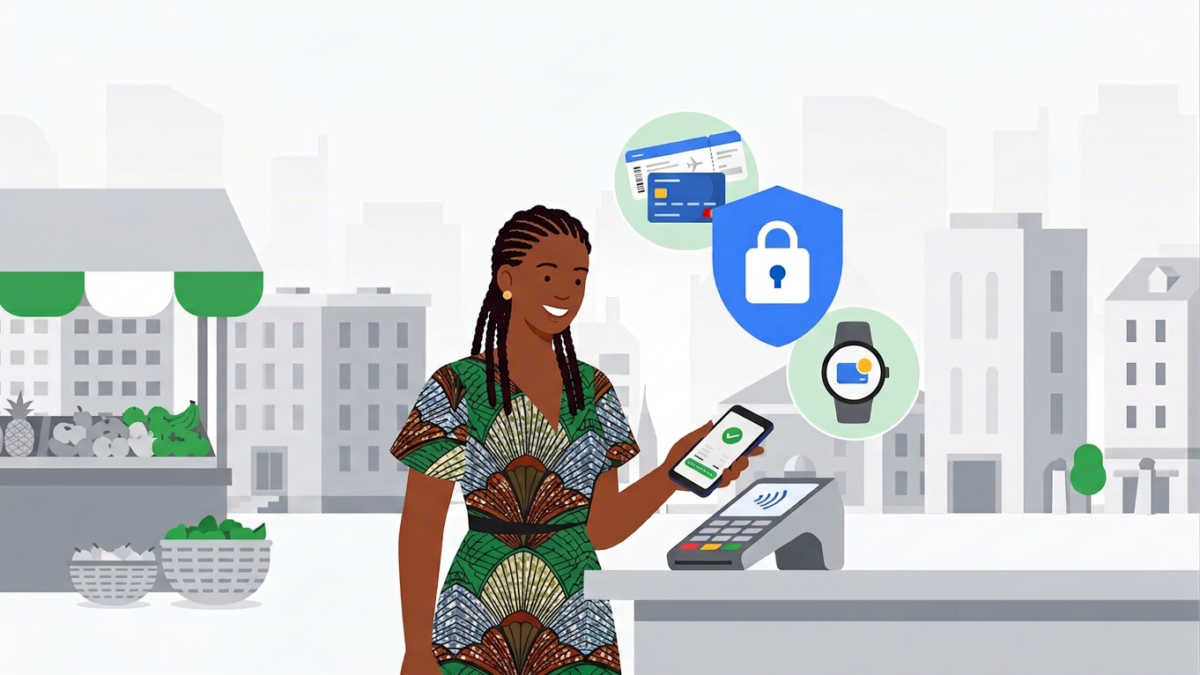
Google Wallet and Google Pay became available in Nigeria on October 28, 2026, Google said in a post on its Africa blog, which means Android and Wear OS users can now add a supported bank card and tap their phone or watch to pay in shops, inside apps and online. The app also stores boarding passes, event tickets and loyalty cards in one place.
Which card you hold decides whether you can use it today. Google’s list of supported cards for Nigeria names only five banks, FirstBank, GTBank, Providus Bank, UBA and Zenith Bank, and almost every card on it is a Mastercard. Verve cards aren’t on the list, and neither are cards issued by OPay, Moniepoint, Kuda or PalmPay, so anyone who banks mainly through those apps will have to wait.
| Launched | 28 October 2026 |
|---|---|
| Works on | Android phones (Android 9 or higher) and Wear OS watches |
| Banks supported | FirstBank, GTBank, Providus Bank, UBA, Zenith Bank |
| Card networks | Mastercard, plus UBA Visa prepaid cards |
| Verve and fintech cards | Not on Google's list |
| What it does | Tap to pay in stores, pay in apps and online, store passes and tickets |
| Launch Price | Free app on Google Play |
| iPhone | Not part of this launch, which is for Android and Wear OS |
Five banks are in, and almost every card on the list is a Mastercard
The support isn’t identical across the five banks. FirstBank’s entry covers Mastercard debit cards only, GTBank adds Mastercard prepaid cards, and Providus Bank, UBA and Zenith Bank cover Mastercard credit, debit and prepaid cards. UBA is the only bank with a Visa product on the list, and that’s its Visa prepaid card. Google also notes that each bank decides whether its cards work with Google Wallet, so a card type on the list can still be refused if your bank hasn’t switched it on for your account.
If you have a naira Mastercard debit card from one of these banks, it’s the quickest way in. Anyone whose everyday card is a Verve card will need to request a Mastercard from a participating bank or wait for more banks and card networks to join, and Google hasn’t said when the list will grow.
Your phone has to pass four checks before the first tap
Google’s help pages say the app needs Android 9 or higher, and tap to pay only works when NFC is switched on, Google Wallet is set as your default NFC wallet app and the phone has a screen lock. Not every Android phone has NFC, so check your phone’s settings before you spend time adding cards. On stock Android the switch sits under Settings > Connected devices > Connection preferences > NFC, and if your phone runs XOS, HiOS or another skin, search for NFC inside Settings instead.
Security rules can block a phone that otherwise looks fine. According to Google’s tap to pay troubleshooting page, phones that are rooted, run a custom ROM, have an unlocked bootloader or run developer versions of Android won’t work, and the phone’s software should be Play Protect certified. You can confirm that in the Play Store under Profile > Settings > About.
| Problem | Likely cause | Fix |
|---|---|---|
| Your card won't add | The card isn't on Google's Nigeria list, or your bank hasn't enabled it | Use a Mastercard from FirstBank, GTBank, Providus Bank, UBA or Zenith Bank, and ask your bank to enable it if it still fails |
| You can't find NFC in Settings | Your phone may not have NFC hardware | Search Settings for NFC; if nothing appears, the phone can't tap to pay, though you can still pay in apps and online where Google Pay is offered |
| The app says your phone doesn't meet security requirements | Rooted phone, custom ROM, unlocked bootloader or uncertified software | Check Play Protect certification in the Play Store under Profile, Settings, About |
| The terminal doesn't respond to your tap | Phone held too far away, moved too fast or a thick case | Hold the top or middle of the phone close to the contactless sign for a few seconds |
The shop’s terminal matters as much as your phone
A phone tap only works on a terminal that accepts contactless payments, the kind marked with the contactless symbol. If the PoS machine at the counter doesn’t carry that symbol, your phone won’t pay there, and you may find Google Pay easier to use online and inside apps, where it shows up as a payment option on merchants that have enabled it. Keep your physical card with you for now rather than leaving home with only your phone.
Google says each transaction is protected by several layers of security and industry-standard encryption, and that a lost or stolen phone can be locked or wiped remotely with Find My Device. Download Google Wallet only from its Google Play listing, and treat any SMS offering a “Google Pay activation” link with suspicion, since a new service is an easy hook for scammers. Our guide to checking a suspicious SMS with Circle to Search shows a quick way to test one before you tap.
OPay users who were hoping to tap with their wallet card can still use the app for other jobs, including its new recurring payments for foreign subscriptions. For Google Wallet, the deciding question is in your purse rather than on your phone, so pull out your bank card, check whether it says Mastercard and comes from one of the five listed banks, and switch on NFC before you try your first tap.