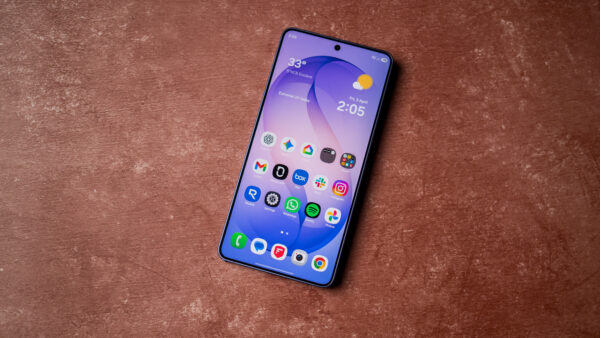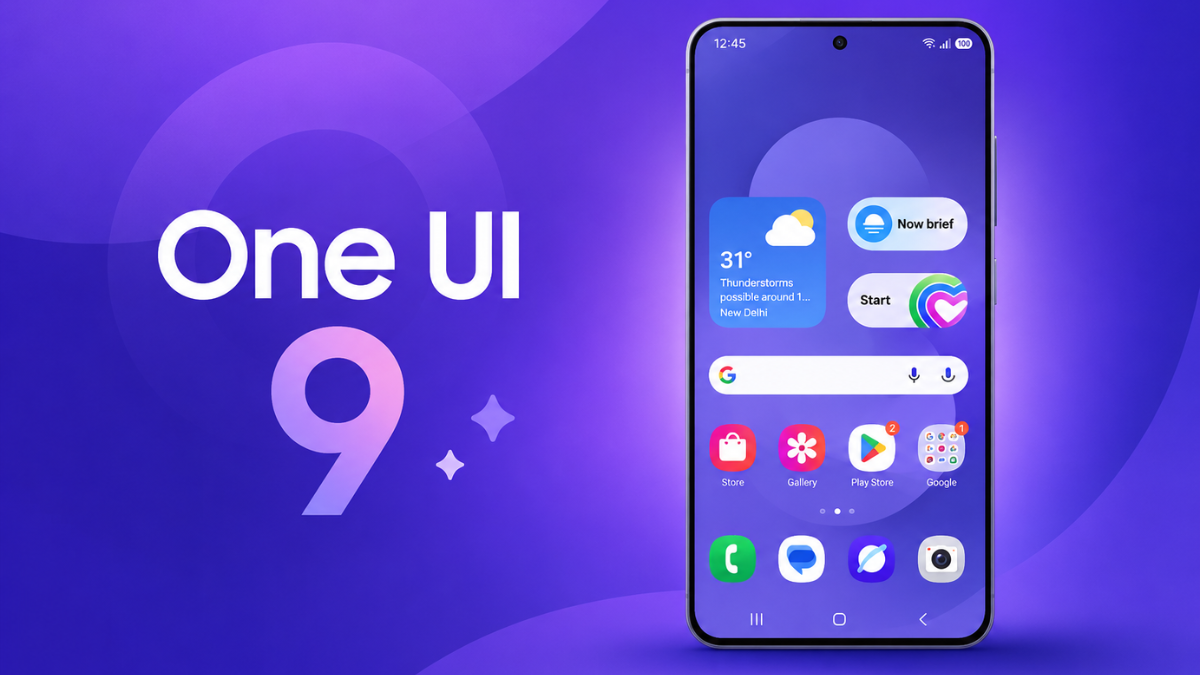
Samsung’s One UI 9 update, built on Android 17, reached the Galaxy S25, S25+, S25 Ultra, Galaxy Z Fold7 and Z Flip7 in South Korea on September 28, 2026, twelve days after the Galaxy S26 series got it first. Samsung hasn’t announced a Nigeria date yet, so if you’re holding one of these phones in Lagos, Abuja or Port Harcourt, the update is on its way but it hasn’t landed here officially.
Galaxy phones sold officially in Nigeria aren’t tied to a network the way many US carrier models are, which usually means the update arrives on Samsung’s own schedule once the Korean and early international waves are done. You don’t need to chase unofficial firmware files to get One UI 9 early. Check the tracker below, get your phone ready, and let the update come to you through Settings, because that’s the safest way to move to a new Android version.
| Device | Version | Status | Date |
|---|---|---|---|
| Galaxy S26, S26+, S26 Ultra | One UI 9 (Android 17) | rolling | Korea from 16 Sept, US from 23 Sept; Nigeria not announced |
| Galaxy S25, S25+, S25 Ultra | One UI 9 (Android 17) | rolling | Korea from 28 Sept; Nigeria not announced |
| Galaxy Z Fold7 | One UI 9 (Android 17) | rolling | Korea from 28 Sept; Nigeria not announced |
| Galaxy Z Flip7 | One UI 9 (Android 17) | rolling | Korea from 28 Sept; Nigeria not announced |
| Galaxy S24 series and older eligible models | One UI 9 (Android 17) | pending | Later, no official date |
Last checked: 29 September 2026
Which Samsung phones are first in line for One UI 9 in Nigeria
Samsung started the stable rollout on September 16 with the Galaxy S26, S26+ and S26 Ultra. In its official One UI 9 announcement, the company said the update is “expected to gradually roll out to other Galaxy devices”, and last year’s flagships are now part of that second wave. Reports suggest the Galaxy S25 FE, S25 Edge and Galaxy Z TriFold were also picked up in Korea on the same day, but Samsung hasn’t published a full device-by-device calendar.
If you use a Galaxy S24, S23, an older foldable or a Galaxy A phone, you’ll have to wait longer. Samsung has confirmed the list gets bigger over time, but not the order, and the timing for mid-range A-series phones is usually weeks or months behind the flagships. It’s worth knowing how long your specific model is covered, and our explainer on how long your phone actually gets security updates walks through the policies phone makers publish.
What One UI 9 actually changes on your Galaxy phone
Samsung’s headline additions include My FanCam, which follows a person automatically when you record video, and new Generative and Editable Cards in Now Brief. There’s also a Warranty and Care section inside Settings, plus more Galaxy AI tools such as Now Nudge, Creative Studio, Interpreter, Document Scan and upgrades to Voice Recorder.
On the security side, One UI 9 brings Security Brief, Privacy Alerts and Scam Detection. Don’t assume every feature will switch on for a Nigerian unit on day one, though, because Samsung says Scam Detection availability varies by country, language, device and software version, and it has named Japan, Canada and India for that feature so far. Warranty and Care may also differ by region. The core Android 17 changes will come to every eligible phone, but some of the AI and safety extras may show up here later or not at all.
Get your phone ready before the One UI 9 update lands
Early One UI 9 packages for the Galaxy S25 in Korea were reported at close to 4GB, so this isn’t one to download on a small MTN, Airtel or Glo bundle. Wait until you’re on Wi-Fi or have a large data plan, and make sure your phone isn’t set to pull big downloads over mobile data in the background. Our guide on stopping Android from updating apps on mobile data covers the settings that help.
Back up your photos, WhatsApp chats and documents first, then free up storage space so the installer has room to work. When the update reaches your phone, you’ll see a notification, or you can go to Settings > Software update > Download and install to check manually. Keep the phone charged and plugged in during installation, and don’t restart it while the progress bar is still moving.
Be careful with firmware files shared on Telegram groups and forums that claim to bring One UI 9 to Nigerian phones early. Flashing the wrong regional build can break features, cause network problems or leave the phone stuck on the boot screen, because those packages are made for specific model numbers and carriers.
Why your phone may feel slower for a day or two after the update
After a big Android version jump, it’s normal for a Galaxy phone to run a little warm and drain battery faster for the first day or two while it optimises apps and re-indexes files in the background. That usually settles on its own. If the heat and drain continue after a few days, look at Settings > Battery to see which app is responsible before you blame the update itself, and read our breakdown of why Android phones heat up after updates to know when it’s worth worrying about.
Being the first person in Nigeria running One UI 9 matters far less than getting the official build safely, on a good connection and with your data backed up, once Samsung confirms that Nigerian units are part of the rollout.