
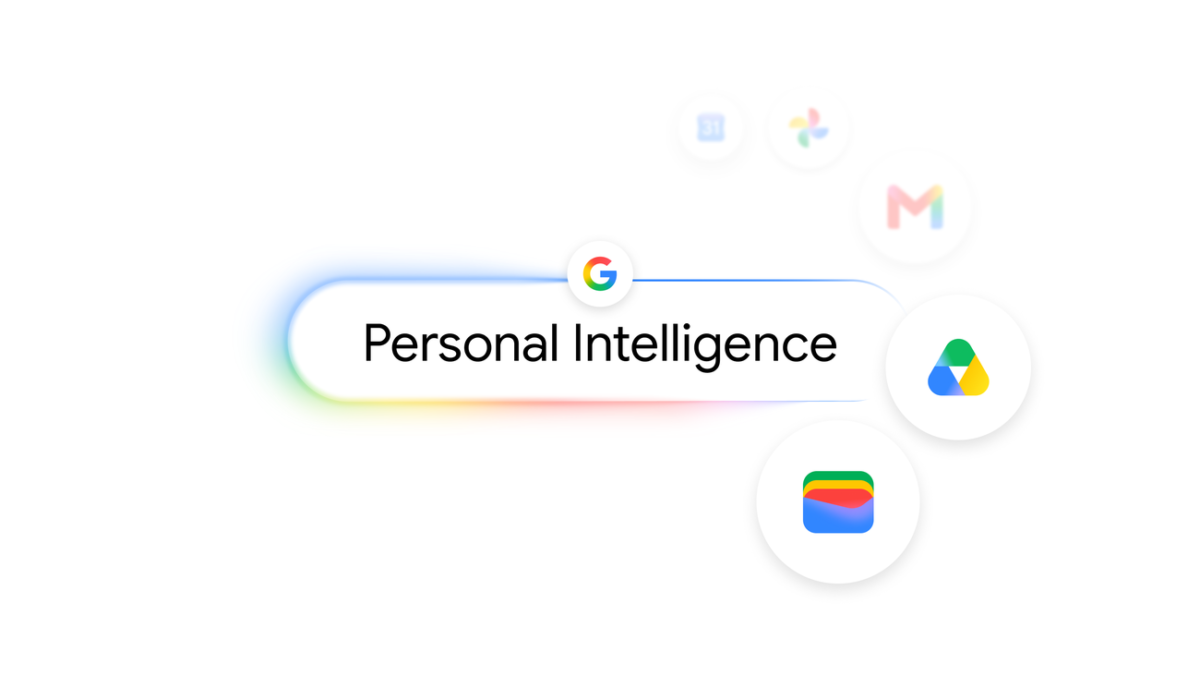
Google AI Mode can now look at your Google Wallet when you ask it about money. Google started rolling out the option on Monday, 23 November 2026, letting people who opt in connect Wallet to Personal Intelligence, the setting that lets AI Mode in Search use information from your own Google apps when it answers you. Google Drive and the Gemini app are next, and the company says both will arrive “in the coming weeks”.
Robby Stein, Google’s VP of Product for Search, announced the change in a post on the official Google blog. Wallet, Drive and the Gemini app join Gmail, Calendar and Photos, which you could already connect. For Nigerian users the story is mostly about what’s coming, because Google has so far kept Personal Intelligence to the United States, and Monday’s post doesn’t name any new countries.
Your spending habits become something Search can reason about
Once Wallet is connected, Google says AI Mode can help you map out money goals and find ways to cut everyday spending. It can also look at the cards you’ve linked in Wallet and suggest how to get more from them, such as cash-back categories, travel perks and reward points. Google says the same Wallet connection works in the Gemini app too, so both places can draw on the same context.
The access is read-only. In Google’s words, AI Mode “can only read information from your accounts; it can’t move, manage, or invest your money”. That limit matters, because it means a wrong answer can mislead you but can’t spend anything on your behalf.
Drive and Gemini will make AI Mode remember far more about you
The Drive connection is meant for information spread across your documents, spreadsheets and PDFs. Google’s example is a personal preparation plan ahead of tax season, built from files you already keep in Drive.
The Gemini link works both ways. If you explore an idea in the Gemini app, AI Mode will have that background to build on, and the reverse is also true. You could already let the Gemini app use your Search history; soon you’ll also be able to let AI Mode use your Gemini chats.
Google is also making AI Overviews and AI Mode more personal in general. Answers will start to reflect your recent searches, so a trip you’ve been researching can carry over into a new search without you repeating yourself.
How to switch the connections on or off
Nothing is connected unless you choose it. Where the feature is available, the steps Google gives are short:
- Open Search Personalization in your Google Search settings.
- Select Connected Apps.
- Pick the apps you want AI Mode to use, and leave the rest off.
You can turn any connection off later. Google says a Personalization icon will soon appear under tailored answers so you can see what context was used, and you can correct AI Mode in the chat itself, for example by telling it you’re no longer a vegetarian. If you’d rather not have personal results at all, Google’s Search personalization page lets you turn them off.
Why Nigerian Wallet users can’t try it yet
Google Wallet itself is already working in Nigeria, as we covered when it launched with a list of supported banks. Personal Intelligence is a different matter. When Google brought it to AI Mode in January, it was limited to eligible Google AI Pro and AI Ultra subscribers using English in the US, on personal accounts only. Its March expansion was also described as a US rollout.
Google hasn’t said when Personal Intelligence will reach other countries, so treat this as a preview of where Search is heading rather than something to look for in your settings today. Google has been bringing more of its AI to Nigerian phones lately, including the Gemini app on Android Go devices, and a wider Personal Intelligence rollout would be the moment to decide which apps you’re comfortable handing over.
If it does arrive here, the safest approach is to connect one app at a time. Wallet is read-only, but your card list and spending history are still sensitive, so switch it on only if the budgeting help is worth that trade to you.