
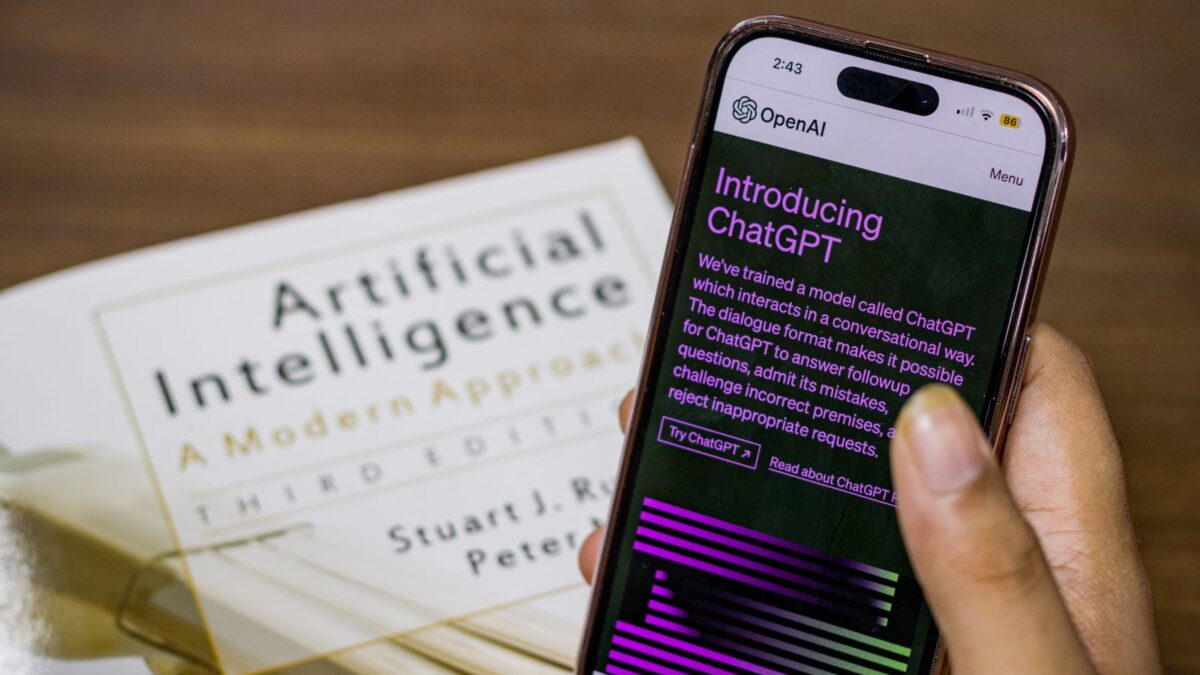
You can now generate AI images in WhatsApp using ChatGPT, after OpenAI added image generation to its 1-800-ChatGPT WhatsApp service in June 2025. Save the number 1-800-242-8478, open a chat with it on WhatsApp, and describe the picture you want. You don’t need the ChatGPT app or a browser.
Quick facts
| Number to save | 1-800-242-8478 |
| Launched | June 2025 |
| Free limit (no account linked) | One image a day |
| Higher limit | Link WhatsApp to your ChatGPT account |
| Image model | The same one OpenAI added to ChatGPT on the web earlier in 2025 |
| Missing features | Some website features, like Canvas, aren’t on WhatsApp |
How to create an image with ChatGPT on WhatsApp
- Save 1-800-242-8478 as a contact, for example as ChatGPT.
- Open WhatsApp and start a new chat with that contact.
- Type one clear message describing the image you want.
- Send it and wait. ChatGPT replies in the same chat with the image.
How to get more than one image a day
- In the ChatGPT chat, send Link my WhatsApp with ChatGPT.
- ChatGPT replies with a link.
- Open the link and sign in to your OpenAI account to connect your number.
After linking, your WhatsApp conversations show up in your ChatGPT history and follow the same data settings as your account.
How to write a good image description
With only one free image a day, be precise. Put all of these in one message:
- Subject: what or who is in the picture
- Style: cartoon, realistic, flat design and so on
- Colours: bright, dark, specific colours
- Background: plain, outdoor, indoor
Example: a flat cartoon of a smiling woman selling fruit at a market stall, bright colours, plain white background.
If you get text instead of an image
- Link your ChatGPT account using the steps above, then try again.
- Check that your message clearly asks for an image.
- Wait a few days and try again, since the feature rolled out gradually.
Stay safe
- Don’t send personal photos or private information. Whatever you share goes to OpenAI’s servers.
- Only save the official number, 1-800-242-8478.