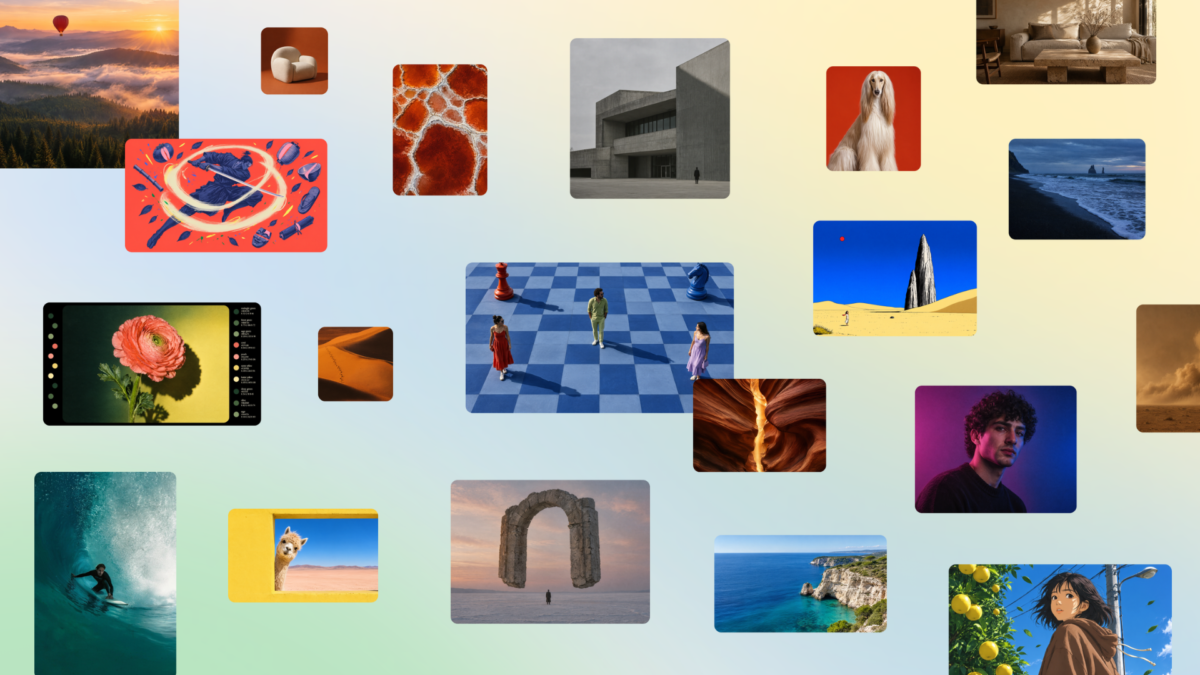
Canva Craft, the first image generation model Canva has built and trained in-house, went live for every Canva user around the world on October 22, 2026, and that includes accounts in Nigeria. Canva’s announcement in its newsroom says the model comes from its new Canva Research team and can be opened today from Dream Lab, the AI image section already inside the Canva editor.
If you already make flyers, church programmes, price lists or Instagram posts in Canva, this changes what sits behind the “generate” button rather than adding another app to learn. Canva is pitching Craft on the thing AI images usually get wrong, which is readable text on posters, menus and event banners, and that’s the part Nigerian vendors and social media managers will test first.
| Launched | 22 October 2026 |
|---|---|
| Who can use it | All Canva users globally |
| Available in Nigeria | Yes, as part of the global launch |
| Where to find it | Dream Lab in the Canva editor, or canva.com/dream-lab |
| Output | Up to 2K, more than 30 aspect ratios plus custom sizes |
| Text in images | Renders text in 55 languages; prompts in any language |
| Free vs paid limits | Not confirmed |
Craft plans the layout before it draws a single pixel
Most image generators go straight from your prompt to a picture. Canva says Craft works in two stages instead, with a planning model that first decides the elements, layout, scale, hierarchy and any text, and a rendering model that then produces the image. That planning step is why Canva expects headlines and labels to come out spelled correctly and placed where a designer would put them, which has been the weak point when people ask AI for a flyer with a business name and phone number on it.
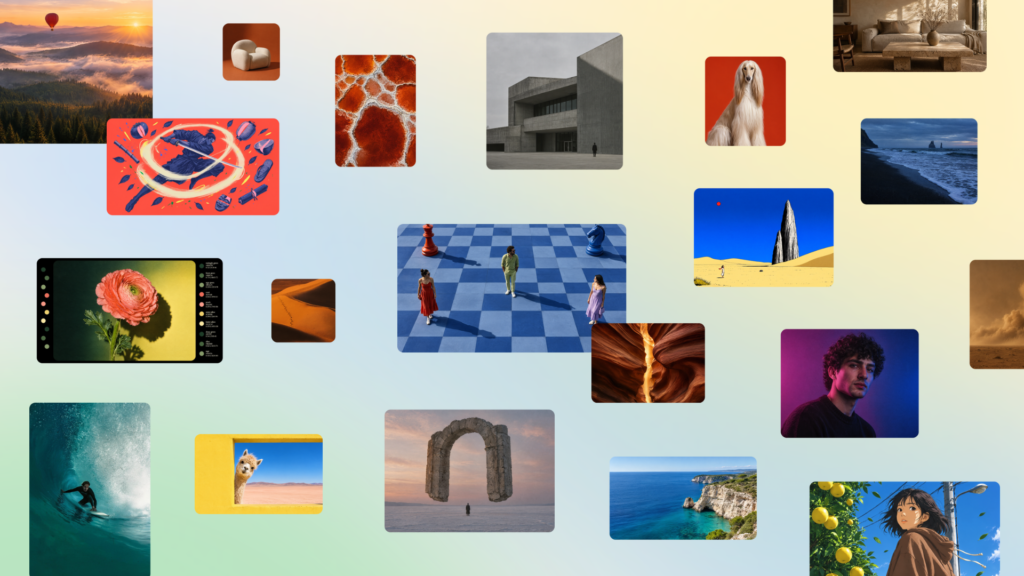
Images come out at up to 2K resolution in more than 30 aspect ratios, and you can type a custom ratio too, so a square Instagram post, a tall WhatsApp Status graphic and a wide YouTube thumbnail can all start from the same idea. Canva also says Craft’s results work with Magic Layers, which splits a generated image into separate editable parts, so you can move the text, swap a colour or delete an object without generating the whole picture again.
Where Canva says Craft beats most rival models
Canva points to the DesignArena leaderboard, where it says Craft debuted as the fourth most advanced image model overall. By category, the company says it ranked first for people and portraits and for landscapes and nature, second for abstract designs and patterns, and fourth for product images. Those are Canva’s own claims about a third-party ranking, so judge the results by what Craft actually produces for your brand.
The language detail matters here. You can write your prompt in any language, and Canva says Craft can render text in 55 languages. The announcement doesn’t list them, so it isn’t clear yet whether Yoruba, Igbo or Hausa words with tone marks will come out correctly. If your flyer depends on them, run a short test with the exact spelling before you build a whole campaign around it.
How to try Canva Craft on your phone or laptop
Open Canva, then select Dream Lab from the panel at the bottom left of the editor, or go straight to canva.com/dream-lab in your browser. Describe the image the way you’d brief a designer: the subject, the setting, the style, and any words that must appear on it. Ask for one version first, check the text letter by letter, and only then generate variations, because each attempt at 2K uses more of your data than a quick preview on a weak connection.
Canva’s announcement doesn’t say how many Craft images a free account can generate compared with Canva Pro, so watch for a limit message in Dream Lab rather than assuming it’s unlimited. Prices, phone numbers and addresses still need a human check before anything goes out, since a single wrong digit on a promo graphic sends customers to the wrong line. If you’ve been comparing AI tools for business graphics, Google’s Gemini small business hub can also connect to your Canva account, so you’ll soon have two routes to the same designs.
ChatGPT and Gemini are next on Canva’s list
Developers can already reach Craft through Canva’s Public API, and Canva says a Canva MCP Server, marked as coming soon, will let AI assistants and agents create design-ready images as one step in a bigger task. The company is also working on two cheaper, faster versions called Craft-fast and Craft-ultrafast, though it hasn’t given release dates for either.
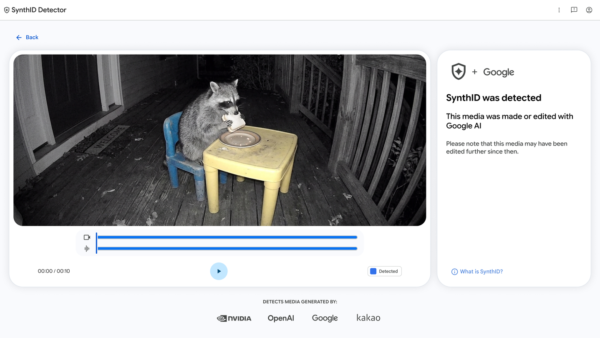
Canva says Craft is covered by Canva Shield, its set of moderation, privacy and reporting controls. That won’t stop someone using any image model to fake a product photo or a receipt, so if a graphic you’re shown looks too polished to be true, tools like Google’s SynthID Detector are worth knowing about. For your own work, the quickest win this week is to take one flyer you already sell with, rebuild it in Dream Lab with Craft, and see whether the text and layout hold up before you trust it with a new launch.