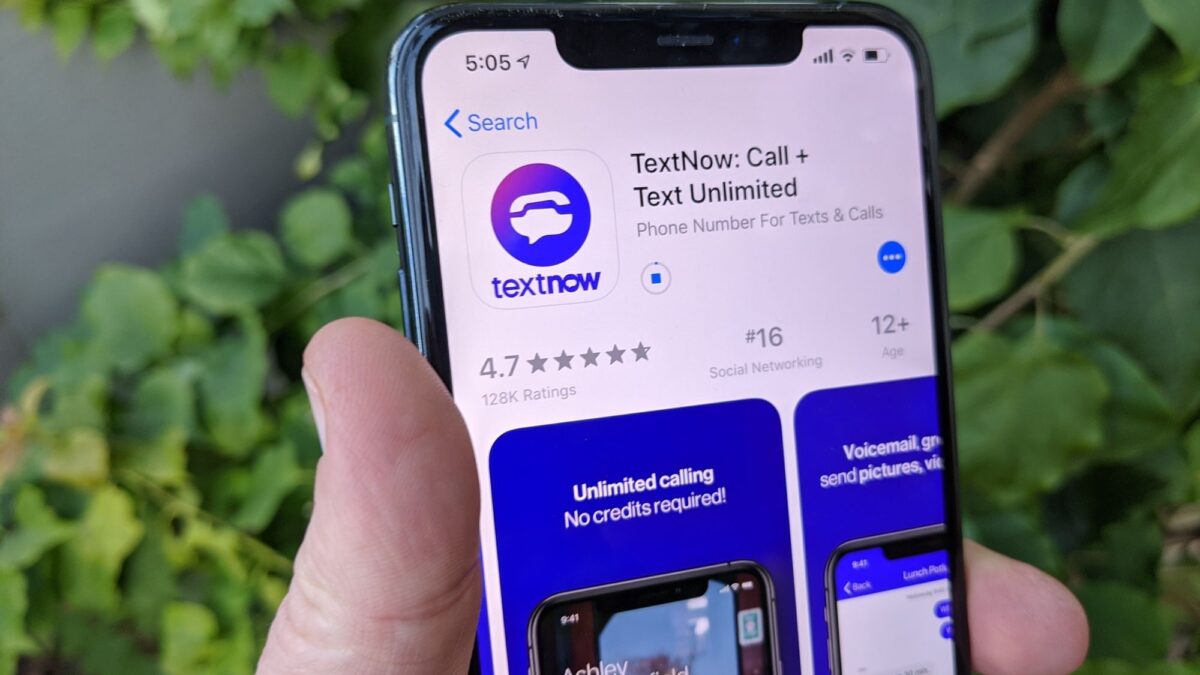
TextNow lists the United States and Canada as its supported markets. If you want to download TextNow in Nigeria, check regional eligibility before installing anything, because getting the app onto your phone doesn't guarantee that you can create or use an account.
The safest starting point is TextNow's own download page or its verified app-store listing. If your store says the app isn't available in your country, don't treat a separate APK download as a solution. This guide explains how to check the official app, recognise installation problems and avoid exposing your phone or accounts to an unsafe download.
Check whether installation will actually let you use TextNow
TextNow is an internet-based calling and messaging service associated with US and Canadian phone numbers. It doesn't give you a Nigerian mobile number or replace your local SIM registration.
Before you install it, check TextNow's official help centre for its current country restrictions. Nigeria isn't one of its listed supported markets, and an app-store listing being visible in your browser doesn't establish that registration is supported from your location.
There are three separate checks involved. Your store must offer the app, your phone must meet its requirements and TextNow must allow your account to access the service. Passing one check doesn't automatically satisfy the others.
If you're trying to download TextNow because someone promised a guaranteed foreign number for account verification, don't pay based on that promise. An installation, a usable number and acceptance by another service are different things, none of which a download seller can reliably guarantee.
How to download TextNow through the official Android listing
On your Tecno, Infinix, itel or another Android phone, open the official TextNow listing on Google Play. The Android package identifier in that link is com.enflick.android.TextNow, and the developer is TextNow, Inc.
Check the developer before using Install. A familiar icon or the word “TextNow” in an app's name isn't enough to identify the genuine application. You can also begin at TextNow's official downloads page and follow its Android store link.
If Google Play offers Install, review the listing's Data safety information and device compatibility, then install through the store. Keep the download in Google Play rather than switching to an APK offered in a browser advert or messaging group.
If you can download TextNow through the official listing, that confirms the store is offering the app to your device and account. It still doesn't override TextNow's regional eligibility rules.
These steps use Google Play's interface rather than manufacturer-specific phone settings. You don't need to guess a HiOS, XOS or itel OS menu path. If Google Play itself is missing, our guide to installing or restoring Google Play Store safely helps you check that separate problem without downloading another unverified installer.
On iPhone, follow the official App Store link
For an iPhone, use the Apple store link provided on TextNow's downloads page. Check that the developer shown on the listing is TextNow, Inc., then use Get if the app is offered to your Apple Account and compatible with your device.
An App Store page opening in Safari doesn't necessarily mean you can install the app. The store still checks availability for your account's country or region and the version of iOS on your phone.
Don't install a configuration profile, trust an unfamiliar enterprise developer or give someone your Apple Account password to obtain TextNow. Those aren't part of a normal App Store installation. If the official listing isn't available to your account, stop there rather than buying access to someone else's account.
Work out whether the problem is your store, phone or account
When you can't download TextNow, the wording of the message matters. A country restriction needs a different response from a stalled download, and neither should be treated as evidence that you need a modified app.
| What you see | What it usually indicates | Safest next step |
|---|---|---|
| The app isn't available in your country | Store availability is restricted for your account's region | Check TextNow's current supported markets and don't bypass the restriction with an APK |
| Your device isn't compatible | Your phone doesn't meet the listing's current requirements | Check compatibility on the official listing and whether your phone has a supported system update |
| The download stays on Pending | A connection problem, another queued download or insufficient storage may be involved | Check your connection, available storage and other downloads in Google Play |
| Installation succeeds but registration fails | An account, eligibility or service-side restriction may apply | Use official support rather than repeatedly reinstalling the app |
Don't change your Google Play country simply to make one app appear. Google's country-change guidance explains eligibility requirements and the effects on access to apps and other content. A store-country change also doesn't make your physical location eligible for TextNow.
For a stalled download, try a stable connection and check whether other apps install normally. Avoid clearing all your phone's data or factory-resetting it for a single unavailable app, especially when the message explicitly mentions your country.
Avoid APK offers that promise to remove every restriction
Search results, social posts and messaging groups may advertise “unlocked”, “premium” or “Nigeria-working” TextNow downloads. Those descriptions aren't proof that the file came from TextNow or that the service will accept your location.
A separate APK can be genuine, outdated, modified or impersonated. Unless you can establish its origin and integrity, you can't safely assume which one you've received. For this task, use the official store route rather than an APK mirror or a file forwarded to you.
You don't need to disable Android's protection to download TextNow through Google Play. A website asking you to turn off Play Protect or allow Install unknown apps is moving you away from that store-based route.
Don't enter your Google password, bank PIN or OTP into a TextNow download page. A payment request for “regional activation” or an offer to sell you a ready-made account also deserves caution. You may lose access later if someone else controls the account's email address or recovery details.
Check permissions without switching off your phone's protection
After a legitimate installation, review permission requests in relation to what you're doing. Microphone access makes sense when you place an internet call, while contacts access can help you find people to message. You don't need to approve every request immediately just because an app asks.
Permission controls vary across Android versions and manufacturer skins. On Tecno, Infinix and itel phones, use the search field in Settings to find Permission manager or App permissions, then locate the installed app. This avoids relying on a menu path that may belong to a different model or software version.
Don't grant accessibility access or device-administrator privileges just to complete a TextNow installation. Those permissions can give an app substantially more control than ordinary calling and messaging permissions.
If you've already installed an uncertain file while trying to download TextNow, uninstall it and run a scan through Google Play Store > profile picture > Play Protect > Scan. Google's Play Protect guidance explains how it checks apps and warns about potentially harmful software.
A scan isn't a guarantee that no information was exposed. If you entered a password into a suspicious page, change it through the genuine service and review your account's sign-in activity. If you shared banking credentials or authorised a transaction, contact your bank through its official channels.
Know the limits before relying on the number
A number from an internet calling service isn't interchangeable with your Nigerian SIM number. Banks, messaging apps and other platforms can reject virtual numbers or apply their own verification rules. Don't rely on one as your only recovery method for an important account.
You should also check the current international-calling terms before assuming that calls to Nigerian numbers are included. An app described as offering free calling doesn't necessarily make every destination free.
If you're eligible to use the service, internet calls still use your connection. On MTN, Airtel, Glo or T2 (formerly 9mobile), that means mobile data unless you're connected to Wi-Fi. Our guide to saving mobile data with practical phone settings can help you manage background activity, but remember that restricting a calling app too heavily may delay notifications.
The safest way to download TextNow is to use its official links and respect the availability message you receive. If Nigeria remains unsupported for your intended use, keep your phone's security settings intact and choose a service that explicitly supports your location instead of paying someone to bypass the restriction.
Make your next installation a verified one
Start with the official listing, check the developer and read the exact message your store displays. If installation is allowed, review permissions before relying on the app. If access is restricted, keep that separate from phone troubleshooting so you don't waste data, reset your device unnecessarily or hand over account details to a download seller.