The Infinix Hot 12 Play has a 6000mAh battery, so if it drains quickly or becomes slow during normal use, you’re usually dealing with settings, storage pressure, background apps, heat or battery wear. Most units you’ll see in Nigeria run Infinix’s XOS skin, commonly XOS 10 or XOS 10.6, on Android 11 or Android 12 depending on the variant and update history.
You don’t need to wipe your Hot 12 Play first. Start with the checks below, because they separate a real battery problem from the more common XOS issues that make the phone feel older than it is.
Start the Infinix Hot 12 Play fix by checking the real drain source
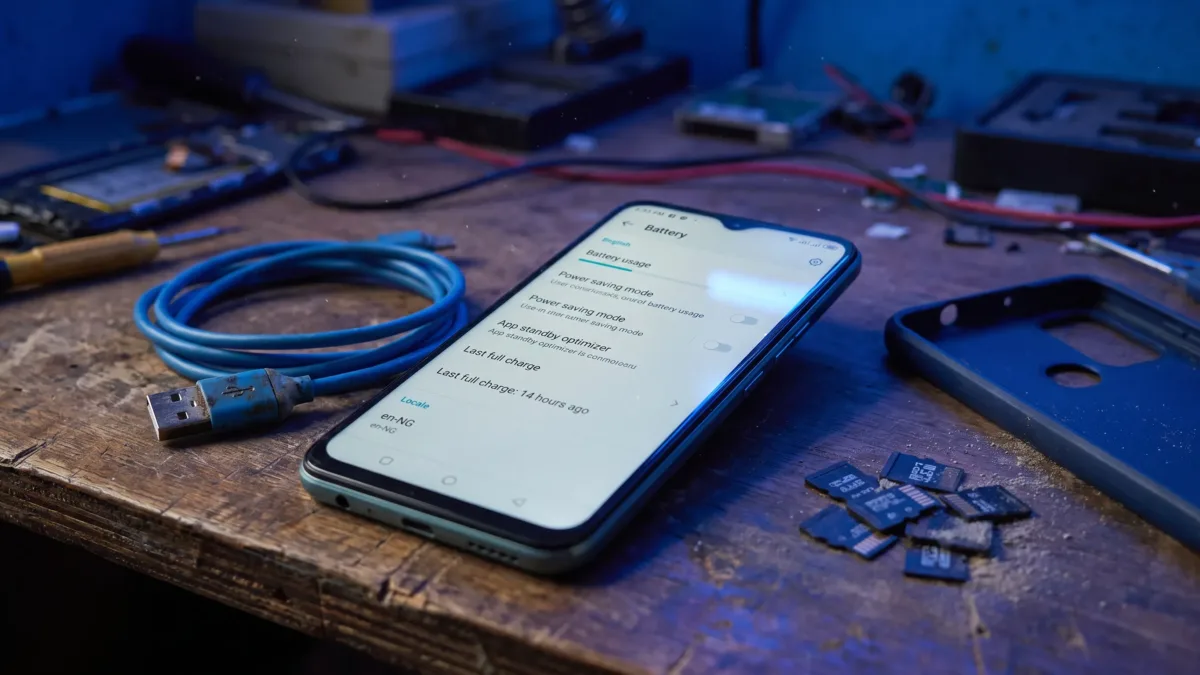
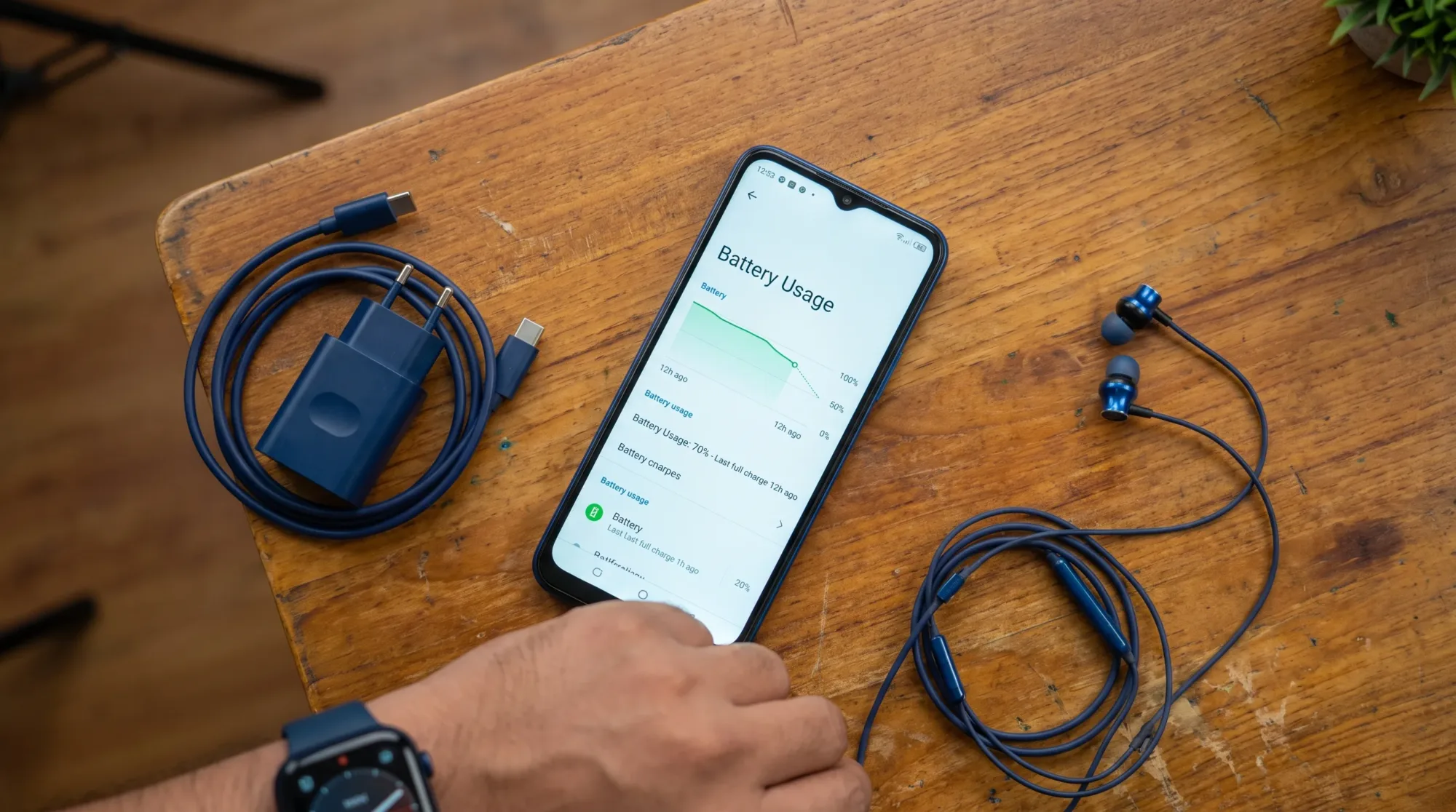
Open Settings > Battery or Settings > Power Marathon and look for Battery usage. On some XOS builds, the same information may appear inside the Power Marathon app. If you don’t see it immediately, use the search bar in Settings and search for Battery usage.
Look at the apps using the highest battery since the last full charge. A video app at the top after hours of streaming is normal. A keyboard app, cleaner app, launcher, unknown VPN, wallpaper app or game booster sitting near the top when you barely used it deserves attention.
Google’s official Android battery guide also recommends checking battery usage before changing settings, because the fix depends on what is actually consuming power. You can compare your phone’s menu with Google’s guidance on getting the most life from your Android battery.
If an app looks suspicious, open Settings > Apps > App management, choose the app, then check Battery, Mobile data & Wi-Fi and Notifications. For apps you rarely use, set Battery usage to a restricted option if your build offers it, turn off Background data and disable unnecessary notifications.
Cut screen drain without making the phone frustrating
The Infinix Hot 12 Play uses a large display, and many variants support a higher refresh rate. A brighter screen and smoother scrolling can make the phone feel nicer, but they also take more power, especially when you’re on mobile data outdoors.
Open Settings > Display & Brightness and reduce Brightness level to a comfortable point. Turn on Adaptive brightness if it behaves well on your unit. If the phone keeps pushing brightness too high, leave Adaptive brightness off and control it manually from the quick settings panel.
Next, check Settings > Display & Brightness > Screen refresh rate. If you see 90Hz, Auto-switch or 60Hz, choose Auto-switch or 60Hz when battery life matters more than extra smoothness. You don’t need to keep the phone permanently on the highest setting just to use WhatsApp, calls, banking apps and browsing.
Set Screen timeout to 30 seconds or 1 minute under Settings > Display & Brightness > Screen timeout. Dark mode can make the interface easier on your eyes, but because this phone uses an LCD panel, don’t expect it to save power the same way it would on an AMOLED screen.
Stop XOS background apps from working when you’re not using them
On the Infinix Hot 12 Play, XOS adds useful tools, but some preinstalled apps and third-party apps can keep waking the phone. That background activity can cause both battery drain and slowdown, especially when the phone is hot or storage is almost full.
Open Settings > Apps > App management and remove apps you no longer use. For apps you want to keep, open each one and review Notifications, Permissions, Battery and Mobile data & Wi-Fi. Don’t remove or disable system apps you don’t understand, because that can break updates, calling, messages or Google services.
You should also check Phone Master if it’s installed. Open Phone Master > Auto-start management and stop non-essential apps from starting by themselves. Leave important messaging, banking, ride-hailing and security apps alone if you rely on timely alerts.
Be careful with aggressive battery restrictions on WhatsApp, Gmail and banking apps. If you restrict them too much, they may delay notifications until you open the app. For those apps, it’s better to reduce media auto-downloads and notifications than to block all background activity.
| What you see | Likely cause | What to try first |
|---|---|---|
| Battery drops fast when the phone is idle | Background apps, weak signal or sync loops | Check Battery usage, restrict unused apps and restart |
| Phone becomes slow after opening several apps | Low free storage or memory pressure | Free storage and review MemFusion |
| Phone gets hot and then lags | Heat throttling from charging, gaming or poor signal | Let it cool and reduce heavy use while charging |
| Apps reload too often | Limited RAM or storage used as virtual memory | Close heavy apps and keep more internal storage free |
Free the storage XOS needs to keep the phone responsive
A slow Infinix Hot 12 Play often has a storage problem before it has a processor problem. When internal storage is almost full, app updates, camera saving, WhatsApp media and Android system processes all have less room to work.
Open Settings > Storage and check what is taking space. Start with videos, WhatsApp media, duplicate downloads and old APK files. If you use Telegram, TikTok, Facebook or Instagram heavily, those apps can also build up cache over time.
Use Files by Google if it’s installed, or download it from Google Play, then review large files and duplicate items. For WhatsApp, open WhatsApp > Settings > Storage and data > Manage storage. Delete large forwarded videos you don’t need, but avoid deleting folders manually if you aren’t sure what they contain.
Clearing cache can help, but don’t confuse cache with app data. In Settings > Apps > App management, choosing Clear cache removes temporary files. Choosing Clear storage or Clear data can log you out or remove local app information. For more general speed work on older Android phones, our guide on making an old Android phone fast again covers the bigger habits that matter.
Use MemFusion carefully on the Infinix Hot 12 Play
MemFusion is Infinix’s virtual RAM feature. It uses part of your internal storage as extra working memory, so it can help the phone keep more apps available in the background. It is not the same as real RAM, and it won’t turn a budget phone into a gaming phone.
Open Settings > Special Function > MemFusion if the option is available on your XOS build. If your internal storage is nearly full, reduce MemFusion or turn it off temporarily, then restart the phone and watch how it behaves for a day. If you have plenty of free storage and you switch between many light apps, leaving it on may feel better.
The important point is balance. Virtual RAM depends on storage, so a phone with little free space may slow down when it keeps using storage for memory. TechSocial has a fuller explainer on why extended RAM on Tecno and Infinix is not the same as real RAM if you want the background before changing the setting.
Update apps and XOS in the right order
When the Infinix Hot 12 Play starts draining faster after weeks of normal use, outdated apps can be part of the problem. Open Play Store > Profile icon > Manage apps & device and update your apps over Wi-Fi if you can. After the updates finish, restart the phone.
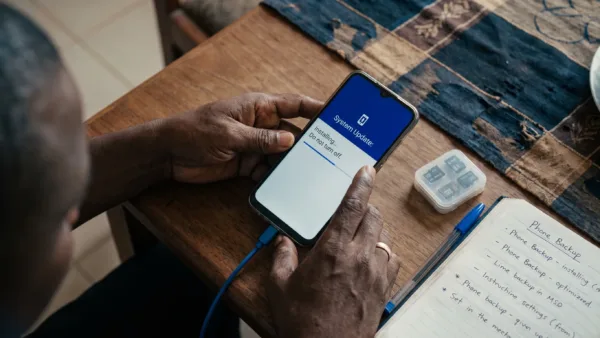
Then check the system update page. On most XOS builds, go to Settings > System > System update. If your menu is different, search for System update inside Settings. Google’s official guide on checking and updating your Android version explains the general Android update flow, although Infinix may place the menu under slightly different wording.
After a system update, the phone can feel warm or use more battery for a while as apps optimise and background services settle. Give it some time, keep it charged and restart once more after updates are complete. If the drain continues for days, go back to Battery usage and check which app or service sits at the top.
Also update Google Play services through the Play Store if prompted. Problems with Google account sync, Play Store downloads or location services can keep the phone awake longer than necessary.
Network signal can drain battery faster than apps
If your Infinix Hot 12 Play loses battery quickly in one location but behaves better somewhere else, signal strength may be the issue. This is common indoors, in areas with crowded networks or where your MTN, Airtel, Glo or T2 line has weak 4G coverage. T2 is the current name of 9mobile.
Open Settings > SIM & Network and check the active SIM. If 4G is unstable in your area, open Preferred network type and test a lower automatic option for a few hours. Don’t force 4G if the phone keeps switching between weak 4G and 3G, because that constant search can use more power.
If you use two SIMs, turn off mobile data on the line you aren’t using for internet. You can also disable a SIM temporarily inside Settings > SIM & Network if you don’t need it during the day. This is useful when one network has very poor reception where you work or sleep.
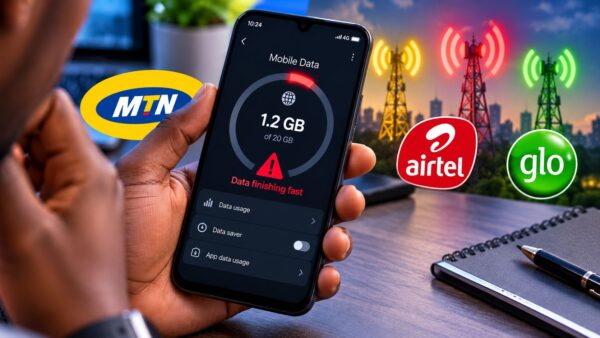
For mobile data drain, combine this with Settings > Network & internet > Data Saver if your XOS build shows the standard Android menu. Some Infinix builds place similar controls under SIM & Network or Data usage. This guide on saving mobile data in Nigeria is useful if your battery drain also comes with disappearing data.
Heat is a slowdown problem, not just a comfort problem
The Infinix Hot 12 Play will slow down when it gets hot, because Android reduces performance to protect the phone. You may notice this during gaming, video recording, hotspot use, charging under a pillow or using mobile data in a weak-signal area.
Remove thick cases while charging if the phone gets warm. Avoid heavy games, hotspot sharing and long video calls while charging. If you use a power bank often, check that the cable fits firmly and doesn’t heat around the charging port.
Open Settings > Battery or Power Marathon and turn on Power saving mode when the phone is warm and you need it to last. This can reduce background activity and performance, so it’s not a magic speed boost, but it can stop the battery from dropping too quickly while you’re away from a charger.
Stop using the phone immediately if the battery is swollen, the back cover is lifting or the phone gets hot while doing nothing. Don’t press the back cover down or keep charging it overnight. That’s the point where software fixes are no longer the right first move.
Check battery health before paying for random repairs
If your Infinix Hot 12 Play still drains quickly after cleaning storage, updating apps and controlling background activity, check whether the battery itself has aged. A worn battery can charge to 100 percent and still drop quickly under load.
Android does not always show a simple battery health percentage on Transsion phones. Some XOS builds show useful battery information, but many users need to look at charge cycles, behaviour under load and trusted diagnostic apps instead. We have a dedicated guide on checking battery health on Tecno, Infinix and itel phones without relying on fake dial-code claims.
If you suspect a hardware issue, use official support channels. Carlcare handles after-sales service for Infinix devices in Nigeria, and you can use the Carlcare Nigeria service centre page to find an authorised location. A proper check is safer than changing the battery at a random shop, especially if you still care about warranty, parts quality and water or dust sealing around the phone.
Reset only after you’ve backed up properly
A factory reset can help if the phone became slow after many app installs, failed updates or settings changes you can’t trace. It should not be your first fix, because it removes your apps, files and accounts from the phone.
Before resetting, back up photos, contacts, WhatsApp and important files. For Google backup, check Settings > System > Backup and confirm the Google account. Google explains the standard Android process in its guide to backing up or restoring Android data. For WhatsApp, use WhatsApp > Settings > Chats > Chat backup and confirm that the backup has completed.
After backup, go to Settings > System > Reset options > Erase all data if your Android 12 build shows that menu. On some XOS 10 or Android 11 builds, you may see Settings > System > Reset phone or Settings > Backup & reset > Factory data reset instead.
Factory reset erases the phone, so don’t continue until your photos, contacts, banking access and WhatsApp backup are safe. After the reset, reinstall apps slowly. If the phone becomes slow again after installing one particular app, you’ve found a likely cause.
What to change first if you want the safest order
Start with Battery usage, because it tells you whether the drain is coming from the screen, network or apps. Then reduce Screen refresh rate, clean up storage and review Auto-start management in Phone Master. Restart after each group of changes so you can tell what actually helped.
If the phone is still lagging, check MemFusion, update apps, install any available XOS update and test the phone for a full day. If it still drains abnormally, gets hot when idle or shuts down suddenly, check battery health and consider Carlcare support rather than applying more cleaner apps or random battery boosters.
Instead of turning everything off, focus on making XOS stop wasting power on things you don’t use, giving internal storage enough breathing room and confirming whether the battery is still healthy enough for daily use.