As of September 2026, GBWhatsApp Pro is not an official WhatsApp product and it is not distributed through the normal WhatsApp download channels controlled by Meta. If you install it on your Tecno, Infinix, itel or any other Android phone, you’re trusting a modified app with your phone number, contacts, messages, media files and notifications.
The attraction is easy to understand. Modified WhatsApp apps usually promise themes, hidden online status, bigger media limits and other tweaks people wish the official app had. The safety question is different from the feature question. WhatsApp says unofficial apps such as GB WhatsApp and WhatsApp Plus are not supported because it can’t validate their security practices, and using them may lead to a temporary or permanent ban.
Is GBWhatsApp Pro safe enough to trust with your number?
For everyday use, the safest answer is no. That doesn’t mean every APK with that name will immediately damage your phone, but it does mean you’re taking risks that are hard to measure before something goes wrong. The app is modified outside WhatsApp’s official release process, then shared through APK sites, file transfers or social groups instead of the official WhatsApp download page or the Google Play listing.
Your WhatsApp account is tied to your phone number, which is often the same number you use for banking alerts, work groups, family chats, SIM registration messages and recovery codes. Once a modified app handles that account, you have to trust both the original modifier and the exact APK file you downloaded. With GBWhatsApp Pro, that trust is the problem.
| Risk area | What can go wrong | Safer approach |
|---|---|---|
| Account access | WhatsApp may restrict accounts using unofficial apps | Use the official WhatsApp app or WhatsApp Business |
| APK source | A shared file can be altered before it reaches you | Install apps from Google Play or an official developer page |
| Privacy | You can’t easily verify what the modified app does on your phone | Keep sensitive chats inside supported apps |
| Updates | Security fixes may arrive late or come from unclear sources | Update through Google Play or the official app page |
| Backups | Chat restore may fail when moving back to official WhatsApp | Export important chats before removing the modified app |
The biggest risk is not the extra features, it is the unofficial APK
The features people like are not the main safety issue. The issue is control. Official WhatsApp updates come from Meta through known channels, and Android can verify the app package more reliably when you install it from Google Play. A modified APK sits outside that chain.
WhatsApp can restrict accounts using modified apps
WhatsApp’s own guidance is clear that unsupported apps violate its terms. If your account is flagged, you may see a temporary ban message and be asked to switch to the official app. If you continue using an unsupported version after that, WhatsApp says the account may be permanently banned.
There’s no public timer you can rely on and no safe number of days for testing GBWhatsApp Pro. One person may use a modified build without immediate action, while another may run into restrictions after an update. That uncertainty is part of the risk because your WhatsApp number may be difficult to replace, especially if it is the number your customers, school group or office team already uses.
A shared APK can change before it reaches your phone
When you download an APK from outside Google Play, Android usually asks you to allow that browser, file manager or sharing app to install unknown apps. On most modern Android builds, that permission is granted per app, not for the whole phone. That is better than the old all-or-nothing Unknown sources switch, but it still means a risky download path can stay open after you finish installing.
On Tecno phones with HiOS, Infinix phones with XOS and itel phones with itel OS, open Settings and search for Install unknown apps if you can’t find the menu manually. You can also check Settings > Apps > Special app access > Install unknown apps. If your browser or file manager is allowed to install apps and you don’t need that permission anymore, turn it off.
Privacy claims are difficult to verify from the outside
WhatsApp’s end-to-end encryption protects messages while they move between supported WhatsApp clients. The weaker point with a modified client is what happens on your device after messages arrive and are decrypted for you to read. WhatsApp says it can’t validate the security practices of unofficial apps, which is why privacy claims around GBWhatsApp Pro are difficult for a normal user to verify.
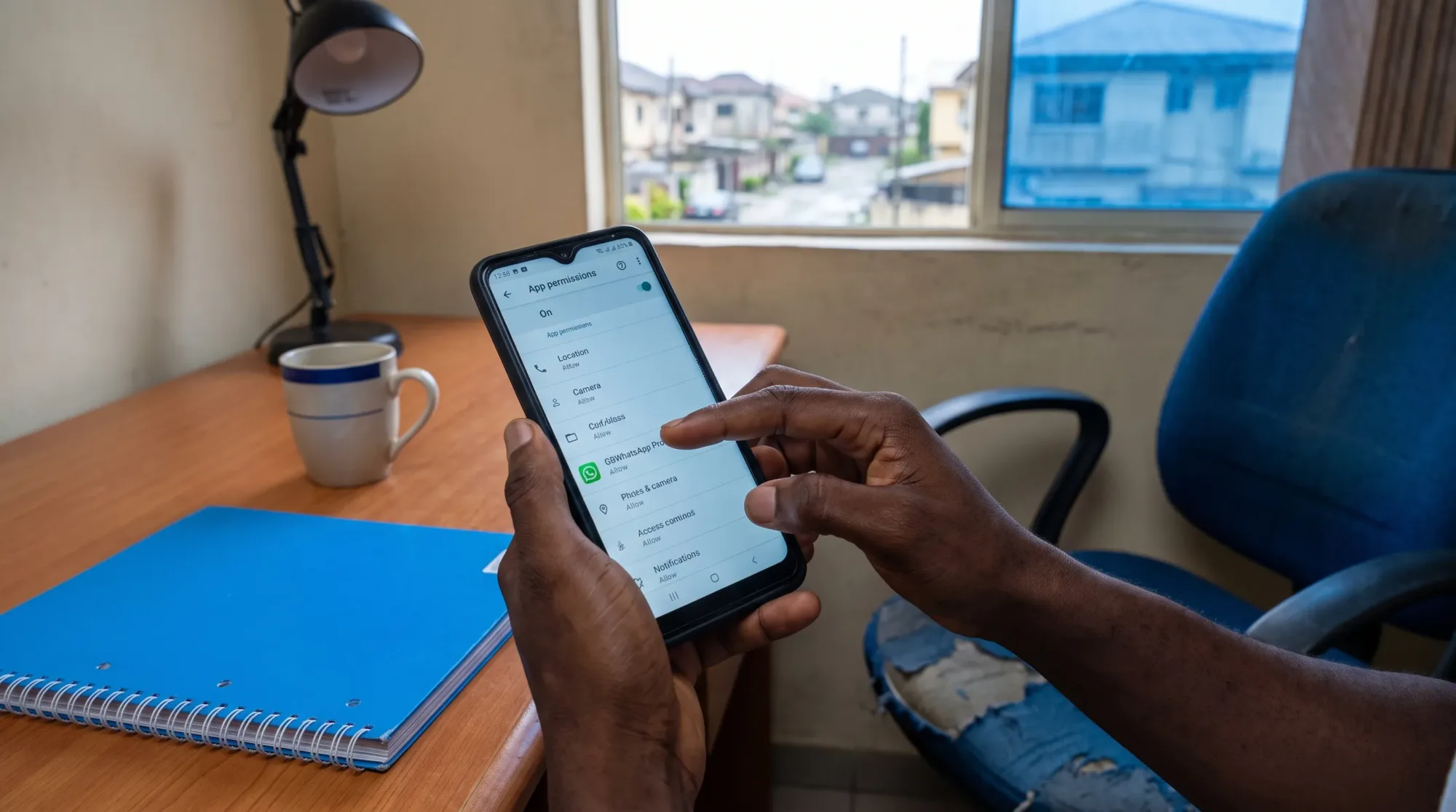
Permissions matter here. A chat app naturally needs some permissions, such as contacts, camera, microphone, photos and notifications. Be more cautious if any modified app asks for broad file access, notification access or Accessibility access without a clear reason. Accessibility can allow an app to read screen content or interact with your phone, so you shouldn’t grant it casually.
On Tecno, Infinix and itel phones, check these places before you decide
Budget and mid-range Android phones in Nigeria often carry many important accounts on one device. You may have WhatsApp, Gmail, mobile banking apps, SIM tools, school portals and work documents on the same phone. That makes app permissions more important, not less.
If you have installed GBWhatsApp Pro or any similar APK, start with Settings > Apps > App management or search Apps inside Settings. Open the app, then check Permissions, Mobile data and Wi-Fi, Battery usage and Notifications. The exact wording can differ across HiOS, XOS and itel OS updates, so the search bar inside Settings is often faster than following a fixed path.
You should also run Google’s built-in safety scan. Open Play Store > profile icon > Play Protect > Scan. Google explains how the feature works in its Play Protect help guide. If your phone is missing the Play Store, keeps crashing or was bought second-hand without proper Google apps, use a safer repair path like our guide to install Google Play Store safely on Android instead of downloading random installers.
What to use instead when you only wanted extra features
A lot of people don’t install GBWhatsApp Pro because they want to take a big security risk. They install it because they want one practical feature. Before you accept the risk, check whether the official app or Android already covers your real need.
| What you wanted | Safer option to try |
|---|---|
| A second WhatsApp number | Use WhatsApp Business for one number and regular WhatsApp for the other |
| More privacy controls | Open WhatsApp > Settings > Privacy and review Last seen and online, Profile photo, About, Status and Read receipts |
| App lock | Check WhatsApp > Settings > Privacy > App lock if available, or your phone’s built-in App lock setting |
| Lower data use | Open WhatsApp > Settings > Storage and data and reduce media auto-download |
| Less battery drain | Fix background activity and media settings in the official app |
| Fewer unwanted group additions | Use WhatsApp > Settings > Privacy > Groups and limit who can add you |
If your main complaint is battery drain, you don’t need a modified app to solve it. The safer route is to adjust background activity, media auto-download and notification settings, and there’s a dedicated guide on how to fix WhatsApp battery drain without breaking your messages.
If GBWhatsApp Pro is already on your phone, reduce the damage first
Don’t panic-uninstall the app if you have important chats you can’t afford to lose. Move carefully, especially if your phone has limited storage or you haven’t backed up chats in a long time. Chat transfer from modified apps is not always smooth because folder names, backup formats and Android storage rules can differ.
Save what matters before you remove anything
Open the modified app only if you still trust it enough to retrieve your chats. For your most important conversations, use the chat’s export option if available, often under More > Export chat or a similar menu. Exporting every chat may take time and may not preserve everything in the same way a normal WhatsApp backup does, but it can save critical messages, receipts or addresses.
Also check your phone storage before making backups. Open Settings > Storage and confirm you have enough free space for exported chats or local backup files. If your phone is almost full, delete unnecessary videos from your gallery first rather than deleting WhatsApp folders blindly.
Move back to the official app without rushing the setup
Download WhatsApp only from Google Play or the official WhatsApp website. During setup, make sure your SIM can receive SMS or calls before you request a verification code. Do not enter your WhatsApp verification code inside any app, website or chat message you don’t fully trust. That code controls access to your WhatsApp account.
After you return to the official app, open WhatsApp > Settings > Account > Two-step verification and set a PIN. If your app shows Passkeys under WhatsApp > Settings > Account, you can review that option too. These account protections are more useful than any modified “anti-ban” promise because they work within WhatsApp’s supported security model.
Clean up permissions and scan the phone afterwards
Once the official app is working, remove GBWhatsApp Pro from Settings > Apps or your launcher. Then go back to Settings > Apps > Special app access > Install unknown apps and switch off install permission for browsers, file managers and sharing apps that don’t need it.
Run Play Protect again, then review sensitive permissions from Settings > Privacy > Permission manager. Pay close attention to Contacts, Microphone, Camera, Files and media, Notifications and Accessibility. If you see an app you don’t recognise, search its name, uninstall it if it’s unnecessary and avoid granting it extra access.
Times when keeping it installed is a bad idea
Some phones carry low-risk accounts, while others are part of your work or money life. If you use the same Android phone for mobile banking, email recovery, work documents, business orders, school portals or private family records, your tolerance for unofficial chat apps should be very low.
You should also avoid modified WhatsApp apps on any phone used by a child, staff member or elderly parent who may not notice fake update prompts. Many risky installations begin with a message that says an update is required, then sends the person to a new APK file outside Google Play. The more people rely on that phone, the more important it is to keep messaging apps boring, official and easy to update.
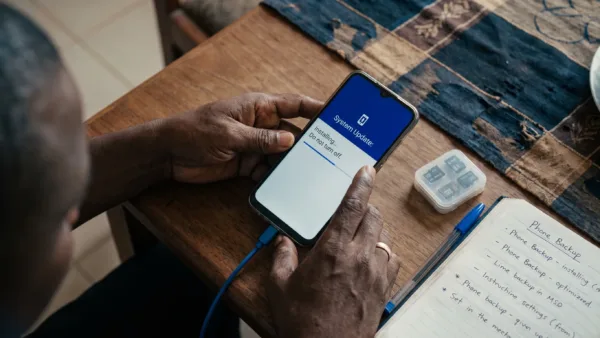
The same advice applies if you recently bought a refurbished phone. Before installing any APK, check the phone properly, update the system from Settings > System update or the maker’s official updater and confirm that Google services are working normally. A phone with an unclear software history is not the right place to test a modified messaging app.
The practical verdict for Nigerian Android users
GBWhatsApp Pro may offer tempting extras, but it is not safe enough for a WhatsApp number you depend on. The risks are not only about malware. They include account restrictions, unclear update sources, uncertain privacy practices, possible backup issues and the habit of granting install permissions to browsers or file managers.
If you only wanted privacy controls, app lock, lower data use or better battery life, try the official WhatsApp settings first. If you already installed the modified app, save important chats, move back through an official download source, enable Two-step verification and scan your phone with Play Protect. Your WhatsApp account is too important to hand over to an APK you can’t properly verify.