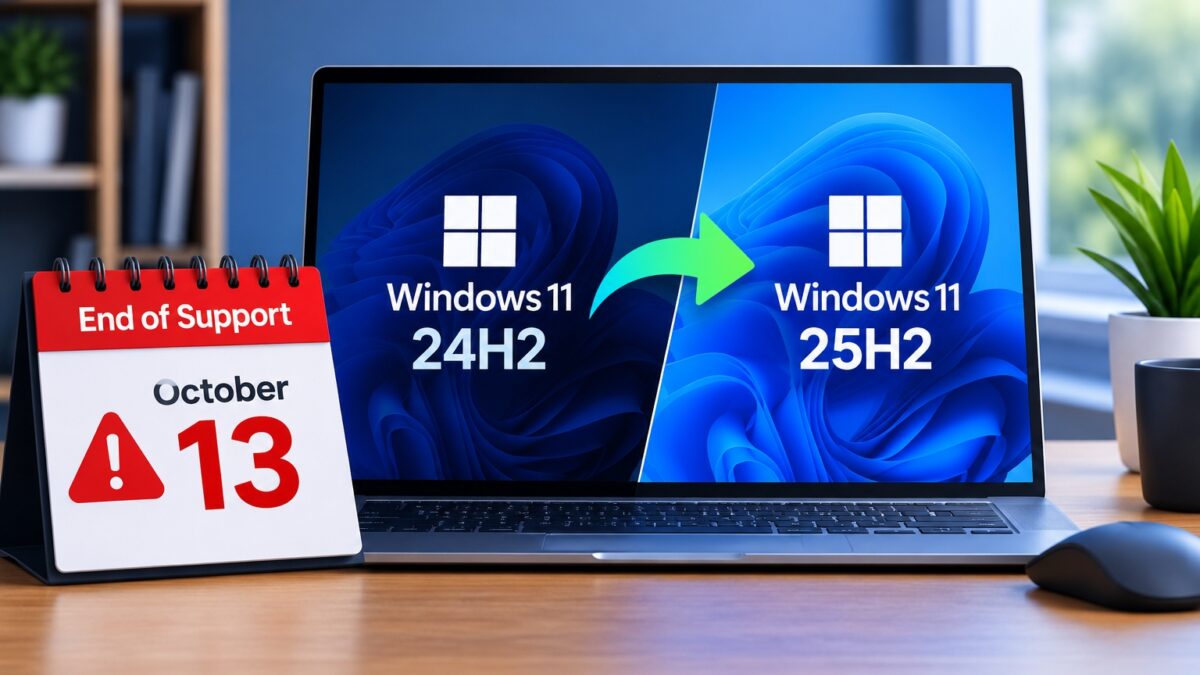
Windows 11 24H2 end of support for Home and Pro editions falls on October 13, 2026, which means laptops and desktops still running version 24H2 will receive their last monthly security update on that Patch Tuesday and nothing after it. Microsoft’s Windows 11 release information page lists the date, and it applies to Home, Pro, Pro Education and Pro for Workstations.
A lot of PCs in Nigeria are still on 24H2, especially laptops bought in 2025 and UK-used machines that were reset before they were shipped. Moving off 24H2 is small, free and quick on most machines, because the next version, 25H2, is built on the same code. Check your version first, then follow the steps below before the deadline arrives.
| Version 24H2 support ends | 13 October 2026 |
|---|---|
| Version 25H2 support ends | 12 October 2027 |
| Version 23H2 | Already out of support for Home and Pro |
| Upgrade from 24H2 to 25H2 | Enablement package, one restart |
| Cost | Free through Windows Update |
Find out whether your PC is on Windows 11 24H2 before October 13
Press the Windows key, type winver and press Enter. The small window that opens shows the version on the second line. If it says Version 24H2 (OS Build 26100.xxxx), you’re affected. If it says 25H2 (OS Build 26200.xxxx), you’re already covered until October 2027 and don’t need to do anything. You can also find the same details under Settings > System > About, in the Windows specifications section.
Don’t confuse this with the Windows 10 deadline. Windows 10 PCs have their own Extended Security Updates programme, and we’ve explained how long Windows 10 ESU actually runs in a separate guide. The October 13 date here only affects Windows 11 machines on version 24H2.
What really happens to a Windows 11 24H2 laptop after the deadline
Your PC won’t stop working, and your files and apps stay where they are. What changes is that Microsoft stops fixing newly discovered security holes on that version. The monthly cumulative updates that patch Windows and its built-in protections stop arriving, so every flaw found after October 13 stays open on your machine.
That matters more than it sounds if you bank on your laptop, log into work email or connect to public Wi-Fi at a hotel or business centre. Microsoft’s lifecycle page for Windows 11 Home and Pro gives each version 24 months of updates, and 24H2 has used up its window. Microsoft has in the past pushed feature updates automatically to Home and Pro PCs that are close to the end of servicing, but you don’t have to wait for that to happen on its own schedule, especially if your data is limited.
Move from 24H2 to 25H2 in a few minutes with one restart
Because 24H2 and 25H2 share the same core, Microsoft delivers 25H2 to 24H2 machines as an enablement package, which is a small update that switches on the features already sitting on your PC. It’s nothing like the old multi-gigabyte upgrades that took hours. Plug in your charger, connect to Wi-Fi or a data plan you’re comfortable using, and open Settings > Windows Update.
Click Check for updates and install any pending cumulative update first, then restart if you’re asked to. After that, turn on Get the latest updates as soon as they’re available on the same page and check again. If your PC is eligible, you’ll see Windows 11, version 25H2 offered with a Download and install button. Let it finish, restart once, and run winver again to confirm the new version.
Before you start, it’s worth backing up anything you can’t afford to lose, even though the update is low-risk. If you move files between your phone and PC often, our guide to Android file transfer to a PC is a quick way to copy photos and documents off the laptop first.
When 25H2 won’t show up in Windows Update
Most PCs get the offer within a day of checking. If yours doesn’t, the table below covers the usual reasons and what to try first.
| Problem | Likely cause | Fix |
|---|---|---|
| No 25H2 offer after checking for updates | A pending cumulative update or restart is holding it back | Install every waiting update, restart, then check again with the latest updates toggle turned on |
| Updates are paused | Pause updates was switched on earlier | Open Settings > Windows Update and select Resume updates |
| Metered connection warning | Your Wi-Fi or hotspot is set as metered, so Windows holds back large downloads | Turn off Metered connection under the network's properties, or allow downloads over metered connections in Advanced options |
| Not enough space | The system drive is almost full | Clear Downloads and Recycle Bin, then run Storage Sense from Settings > System > Storage |
| PC is managed by work or school | Your organisation controls feature updates | Ask your IT team, because they decide when the device moves to 25H2 |
Be careful with third-party “Windows 11 update tools” shared on WhatsApp or Telegram, because Windows Update is the only route you need for this move and unofficial installers are a common way malware gets onto PCs. If a UK-used laptop came with an unactivated or modified copy of Windows, fix the activation first under Settings > System > Activation, since those installs are the ones most likely to refuse updates.
Should you wait for Windows 11 26H2 instead?
Reports suggest Microsoft is close to releasing Windows 11 26H2, which is also expected to come to existing PCs as a small enablement package. Microsoft hasn’t listed a release date on its release information page yet, and waiting for it could leave you without security fixes if it arrives after October 13. Updating to 25H2 now doesn’t block anything later, because the next version will install on top of it the same way.
The safest order if you want to finish this in one sitting
Run winver, back up your important files, install the pending updates, then move to 25H2 from Windows Update and confirm the new version afterwards. If you’re setting up a Windows 10 machine in the same house, our walkthrough on fixing a greyed-out Windows 10 ESU enrollment covers the other side of the household. Keeping your laptop on a version that still gets security fixes is what counts here, not chasing every new feature Microsoft ships, and for 24H2 users that means acting before October 13.