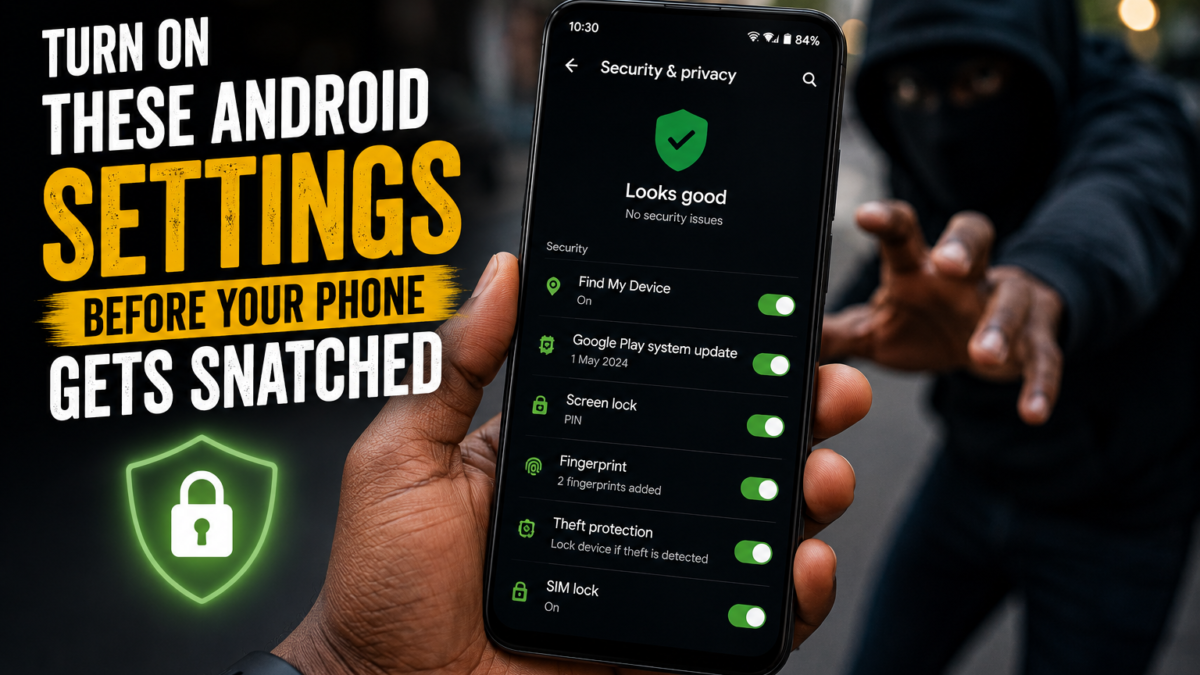
Android carries three separate anti-theft locks, and on most phones sold today all three arrive switched off. Theft Detection Lock, Offline Device Lock and Remote Lock each handle a different stage of a phone being taken, and every one of them has to be enabled before anything happens, because none can be activated retroactively from a phone you no longer hold.
Snatch theft in Lagos, Port Harcourt and Abuja rarely ends with the hardware being the expensive part. The banking apps, the BVN-linked accounts, the WhatsApp business chats and the saved passwords are what actually cost money, and the fifteen minutes between the phone leaving your hand and you finding a way to lock it is where that damage happens. These settings close most of that window, and they take about five minutes to configure.
The lock that triggers before you’ve noticed it’s gone
Theft Detection Lock watches your phone’s motion sensors for the specific pattern of a snatch, meaning a sudden pull followed by rapid movement away on foot, on a bike or in a vehicle. When it recognises that, it blanks the screen and demands authentication, so an unlocked phone becomes a locked one in the second it changes hands.
Offline Device Lock covers the counter-move. Thieves who know what they’re doing pull the SIM or switch on airplane mode immediately to stop the phone being traced, and Offline Device Lock treats an extended period offline as suspicious and locks the screen on its own.
Both live in the same place. Open Settings > Google > All services > Theft protection, or type “theft” into the Settings search bar, which is faster on Tecno and Infinix where the menu structure shifts between HiOS and XOS versions. If Theft Detection Lock is greyed out, your device doesn’t support it, and Google’s documentation on theft protection notes that some features need Android 10 or newer while others require Android 15, with Android Go devices excluded from the full set.
Locking a stolen phone without your Google password
Remote Lock is the one worth setting up even if you skip everything else, because it’s built for the situation people actually find themselves in. Standing in the street without your phone, you’re unlikely to recall a Google password you last typed two years ago, and that delay is exactly what a thief needs.
Instead, you go to android.com/lock from any browser, on a friend’s phone or a laptop, enter your phone number, answer a security challenge, and the screen locks. No password, no signing in. Google also lets you set an optional security question so nobody else can trigger it on your number.
Enabling it happens under Theft protection > Remote Lock, and it needs a verified phone number, so tap Verify number if prompted. It also requires a screen lock and an active SIM in the device. If the phone is offline when you send the request, the command waits and fires the moment it touches any network, which defeats the SIM-removal trick. You can lock the screen twice in any 24-hour period.
Bookmark that address somewhere you can reach without your phone, because searching for it while panicking is slower than it sounds.
Why your bank apps need more than a PIN
A thief who watched you type your PIN before taking the phone has everything, and in Nigeria that means access to bank apps, transfer limits and OTPs arriving on the same device. Identity Check addresses this by requiring biometric verification rather than a PIN for sensitive actions whenever the phone is away from locations you’ve designated as trusted, such as home or work.
As of early 2026 that protection extends to banking apps and password managers, so a stolen PIN on its own no longer opens your accounts. Given how much of Nigerian financial life runs through phone apps and USSD, this is arguably the single most valuable setting in the list.
Lock the SIM itself too, under Settings > Security > SIM card lock, which stops the SIM working in another handset without a PIN. That matters because a SIM moved into a cheap phone can still receive the OTPs your bank sends.
What to do in the first hour
- Go to android.com/lock from any device and lock the screen.
- Open Find Hub at google.com/android/find to see the location and mark the device as lost.
- Call your network to bar the SIM, then arrange a replacement so OTPs return to you.
- Contact your bank to freeze app access and change any password stored on the phone.
- Report to the police and get the report reference, along with your IMEI.
- Erase the device only once recovery looks hopeless.
That last point catches people out. Wiping the phone ends your ability to track it, so lock first and keep the option open, since Google’s guidance on stolen device protection treats the factory reset as a last resort rather than a first response.
You’ll need the IMEI for the police report, and the time to write it down is now rather than after the phone is gone. Dial *#06#, photograph the number, and keep it somewhere off the device. It’s also printed on the box.
What makes a stolen phone worth stealing
Factory Reset Protection ties the device to your Google account even after a wipe, so whoever ends up with it can’t complete setup without your credentials. It switches on by itself the moment you add a Google account, which most people do on the first day, and it’s the reason a locked phone is worth far less on the resale market than a clean one.
That has a consequence for buyers as well as owners. A secondhand phone that won’t complete setup, or that a seller insists on configuring for you, may be somebody else’s stolen device, and our guide to buying used phones online in Nigeria without getting scammed covers how to check before paying. Running the IMEI is part of that too, which we go through in the checks worth doing before buying a refurbished flagship.
Turn on Find Hub’s wider network while you’re in the settings, under Settings > Google > Find Hub, choosing the option to find your device using the network everywhere. That lets other Android phones passing nearby help report its location even when it has no data connection of its own, which in a dense city is a genuine advantage. None of this guarantees you get the phone back, and honestly most snatched phones don’t come home. What it does is make sure the person holding it can’t reach your money, which is the part worth protecting, and it’s a reminder that what a phone is worth to you rarely matches what it cost, something we touched on in the buying mistakes that waste Nigerians’ money.