
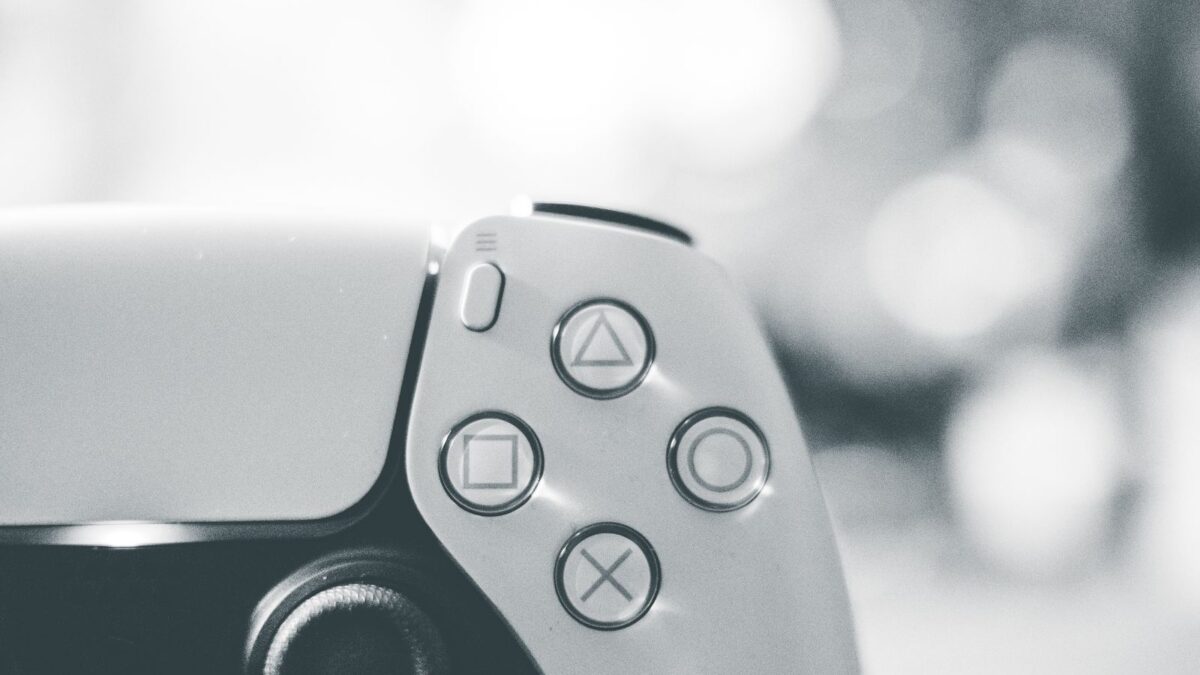
To fix stick drift, start with the free fixes your console maker recommends: reset a PlayStation DualSense controller, recalibrate the sticks on Nintendo Switch, or use the calibration tools in the Xbox Accessories app. If the drift comes back after that, the stick is likely worn, and the official repair service is the safest route.
Stick drift is when your character or camera moves on its own even though you aren’t touching the analog stick.
Quick fix table
| Console | First fix to try | If drift continues |
|---|---|---|
| PS5 (DualSense) | Hold the reset button on the back for at least 5 seconds | Use PlayStation’s repair service |
| PS5 (DualSense Edge) | Reset the controller | Replace the stick module |
| Nintendo Switch | System Settings > Controllers and Sensors > Calibrate Control Sticks | Sleep and wake the console, or re-sync the controller |
| Xbox | Calibration in the Xbox Accessories app | Repair or replace the controller |
How to reset a PS5 DualSense controller
Sony’s DualSense troubleshooting guide recommends this when the sticks or buttons misbehave.
- Turn off your PS5.
- Unplug the controller from its USB cable.
- Find the small hole next to the Sony logo on the back of the controller.
- Press the reset button inside it with a pin for at least 5 seconds.
- Connect the controller to your PS5 with the official USB cable.
- Press the PS button.
- Update your PS5 system software to the latest version, as Sony advises.
If the problem continues, Sony points you to its repair service under the Button or analog stick issue option.
DualSense Edge owners
- The Edge’s stick modules can be replaced, and Sony’s support site has a guide for it.
- Sony says resetting the Edge won’t affect your pairing or profile settings.
How to recalibrate the sticks on Nintendo Switch
These steps come from Nintendo’s calibration guide.
- Make sure the console has the latest system update.
- From the HOME Menu, go to System Settings > Controllers and Sensors > Calibrate Control Sticks.
- Hold the stick you’re calibrating fully tilted in one direction for a few seconds.
- Follow the on-screen prompts to check that it responds correctly.
If it still doesn’t respond properly, Nintendo suggests either of these:
- Put the console to sleep, then wake it with the POWER button.
- Press the SYNC button once on the Joy-Con or Pro Controller, then press any other button to turn it back on.
How to calibrate an Xbox controller
- Microsoft added calibration tools to the Xbox Accessories app on consoles and PC.
- Thumbstick calibration is available for the Xbox Elite Wireless Controller Series 2.
- Follow Microsoft’s page on using the Xbox Accessories recalibration tool.
- The tool is meant for minor calibration problems, not drift caused by wear and tear.
When it’s time for a repair
If the drift returns soon after a reset or calibration, the stick has probably worn out. Use this checklist:
- Try the free reset or calibration first.
- Use the official repair service for your console if drift returns. Opening the controller yourself can damage it and may affect your warranty.
- If you use a local repair shop, ask what replacement part they’re fitting before you agree.
- Test the controller in a game before you pay.