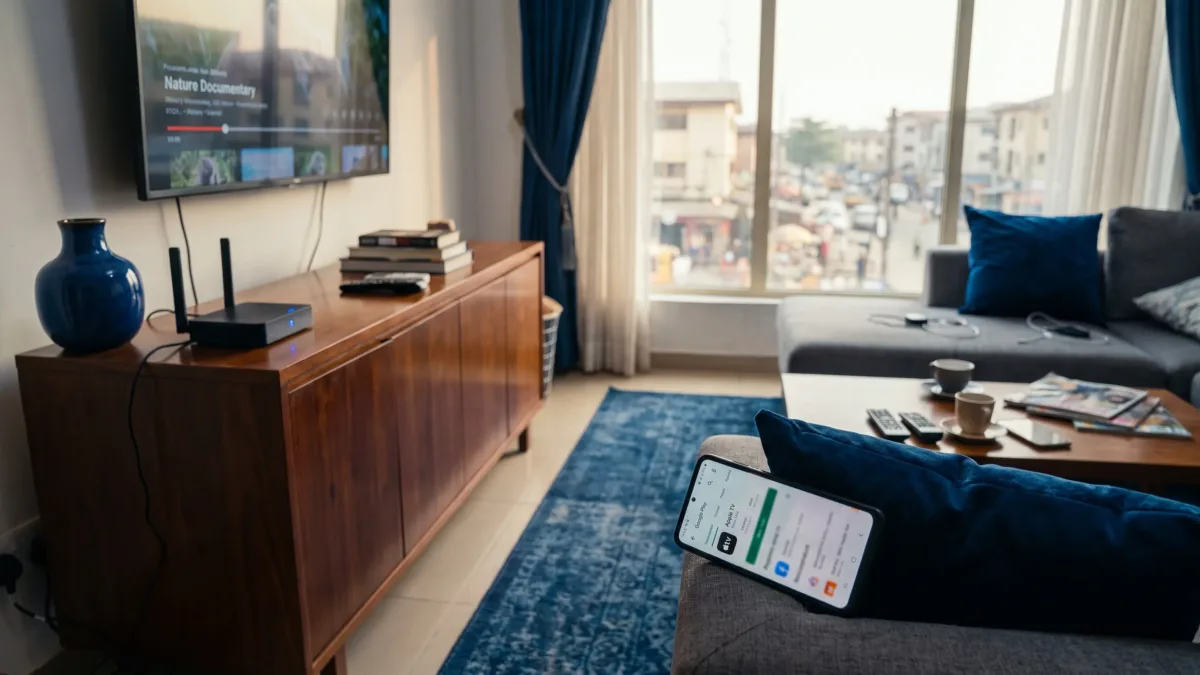
February 2025 is the key date because Apple announced that its TV app was available on Android mobile devices through Google Play. As at September 2026, if you searched for apple tv app android because you want Apple TV+ on a Tecno, Infinix, itel, Samsung, Xiaomi or other Android phone in Nigeria, the answer is yes for many users, provided your phone is supported and your account region and payment method are set up properly.
The main thing to understand is that the Apple TV app is not the same as buying an Apple TV 4K box. It is an app for watching Apple TV+ and other supported Apple video services where they’re available. Apple’s own Android launch announcement says the app works on Android phones, tablets and foldables, and that users can download shows for offline viewing. Nigeria is not treated like a special workaround market here, but your device, Play Store access and billing details still matter.
What apple tv app android support really means in Nigeria
For you in Nigeria, support means the app should come from Google Play, open normally on a compatible Android phone and let you sign in with an Apple Account. Apple also keeps a separate device compatibility page for TVs, consoles and streaming devices, so don’t use Android TV instructions when you’re trying to install it on a phone.
There are four practical checks before you waste time troubleshooting. Your phone must be Play Store certified enough to see the app, your Android version must be accepted by the Play Store listing, your Apple Account country should make sense for where you live and your internet connection must be stable enough for streaming video.
| What to check | Why it matters in Nigeria |
|---|---|
| Google Play availability | The safest install route is the official Play Store listing, not an APK shared on social media |
| Android compatibility | The Play Store will show whether your exact phone can install the app |
| Apple Account region | Catalogue and billing can follow the country attached to your account |
| Data and network quality | Video streaming can drain mobile data quickly, especially on congested 4G |
That is why apple tv app android support is less about whether Nigeria is blocked and more about whether your own setup passes those checks.
Install it from Google Play and check the developer name
Start with Google Play. Open the Google Play Store, search for Apple TV, open the listing and check that the developer is Apple before you tap install. If you see copycat names, movie downloader promises or modified APK offers, leave them alone. Google’s Play Protect help page explains how Android checks apps for harmful behaviour, but Play Protect is not a licence to install random APKs.
If your phone does not have Google Play Store, fix that first instead of looking for a shortcut. There’s a dedicated guide on installing Google Play Store safely on Android that is especially useful for Tecno, Infinix, itel and other phones commonly sold in Nigeria.
For apple tv app android downloads, avoid third-party sites that claim to provide a “Nigeria version” of the app. Do not install APKs that claim to unlock paid Apple TV+ content. Apart from the security risk, those files can expose your Google account, Apple Account or card details to apps you cannot verify.
Set up your account and payment without mixing regions
After installation, open the app and sign in with your Apple Account. If you already subscribe to Apple TV+ through an iPhone, iPad, Mac, web browser or family sharing arrangement, use the same account so your subscription can be recognised.
If you’re starting fresh on Android, Apple’s announcement says users can subscribe using their Google Play account. That means your payment may be handled through Google Play billing rather than directly through an Apple device. To review a Google Play subscription later, use Play Store > Profile icon > Payments & subscriptions > Subscriptions.
The apple tv app android experience can get confusing when your Apple Account region, Google Play country and Nigerian bank card do not line up. Apple’s Media Services availability page is the official place to check which Apple services are available by country or region. If your Apple Account is set to the United States, United Kingdom or another country, your catalogue, pricing display and payment expectations may follow that country rather than Nigeria.
If a Nigerian card fails, don’t assume the app itself is broken. Some card failures come from bank restrictions, recurring payment rules, insufficient balance, expired cards or a Play Store country mismatch. Try another valid payment method inside Google Play if one is available to you, or manage the subscription from the platform where you originally started it.
Make streaming less painful on Nigerian mobile data
Streaming video is heavier than music, messaging and browsing, so don’t treat it like a normal social media app if you’re on MTN, Airtel, Glo or T2, formerly 9mobile. The app supports downloads according to Apple’s launch announcement, and that is the feature you should use when you have Wi-Fi at home, in the office or on a MiFi with enough data.
For apple tv app android viewing on mobile data, use Android’s own controls to reduce waste. On many Android phones, you can start from Settings > Network & internet > Data Saver and turn on Data Saver. On some Tecno phones with HiOS, Infinix phones with XOS and itel phones with itel OS, the wording may appear under SIM & network, Data usage or a similar menu depending on your Android version. If you can’t find it, open Settings and search for Data Saver.
You can also check app-level data behaviour through Settings > Apps > Apple TV > Mobile data & Wi-Fi on many Android versions, then review Background data and Unrestricted data usage. Menu names vary by phone brand and Android version, so use the search bar inside Settings if your exact model shows a different path.
If data is your biggest concern, our guide on saving mobile data in Nigeria covers the wider Android settings that help beyond one streaming app.
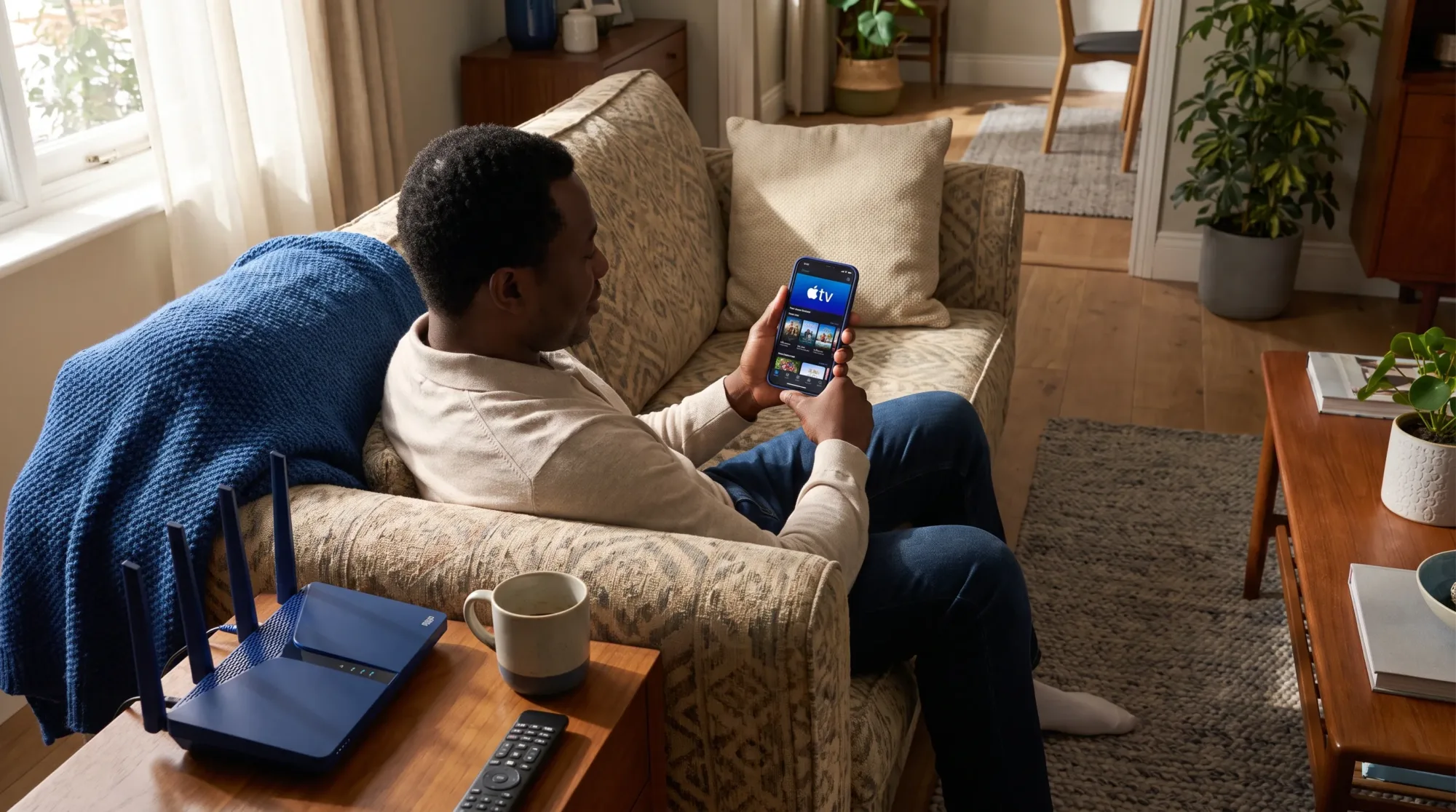
Fix the common blockers before you delete the app
If the Play Store says your device is not supported, the honest answer is to trust that message. It may be due to Android version, device certification, hardware support or regional Play Store settings. Updating your phone through Settings > System > System update can help if an update is available, but it won’t make every older phone compatible.
If the app installs but refuses to play smoothly, separate app problems from network problems. Video buffering in Lagos, Abuja, Port Harcourt, Ibadan or any busy area can come from network congestion, weak indoor signal, an overloaded MiFi or a phone that lacks the right LTE bands for your carrier. If you use an imported Android phone and 4G behaves strangely, the guide on why imported phones may not show 4G in Nigeria will help you check band compatibility.
When apple tv app android troubleshooting gets frustrating, use this simple table before reinstalling everything.
| Problem | What to try first |
|---|---|
| App not visible in Play Store | Update Google Play Store, check Play Store country and confirm your phone is certified |
| App installs but won’t open | Restart the phone, update Android System WebView and check for an app update in Google Play |
| Sign-in fails | Confirm your Apple Account email and password, then check whether two-factor verification is waiting on another device |
| Payment fails | Review Play Store > Profile icon > Payments & subscriptions > Payment methods and try a valid alternative if available |
| Video buffers often | Test another network, move closer to your router or download over Wi-Fi before watching |
What you can and cannot expect from the app
The app is mainly for Apple’s video ecosystem. You can use it for Apple TV+ and supported services such as MLS Season Pass where available, but the exact catalogue can vary by country, licensing and account region. Don’t expect every film, rental, channel or feature you’ve seen in another country to automatically appear on a Nigerian account.
It also won’t turn your Android phone into an iPhone. You won’t get iMessage, FaceTime, AirDrop or iCloud device features because those are separate Apple services. The app is simply a way to watch eligible Apple video content on Android.
For Tecno, Infinix and itel owners, performance will depend on the phone’s processor, RAM, storage space and Android build. A newer Infinix Note, Tecno Camon or itel S series phone with updated Google Play Services should give you a better chance than an older entry-level model with low storage and an outdated Android version. If storage is tight, free space before downloading episodes because offline video files can be large.
The sensible verdict for Android users in Nigeria
Yes, you can use the Apple TV app on many Android phones in Nigeria, and the official route is now much easier than it used to be. Install from Google Play, confirm the developer is Apple, sign in with the right Apple Account and keep your billing region consistent.
The apple tv app android setup is worth trying if you already want Apple TV+ originals, sports content where available or offline downloads for later viewing. If your phone is old, uncertified or stuck on an outdated Android version, the Play Store may block installation, and forcing an APK is not a safe fix. Treat it like any paid streaming app in Nigeria, protect your account first, control mobile data carefully and let the Play Store tell you whether your exact phone is supported.