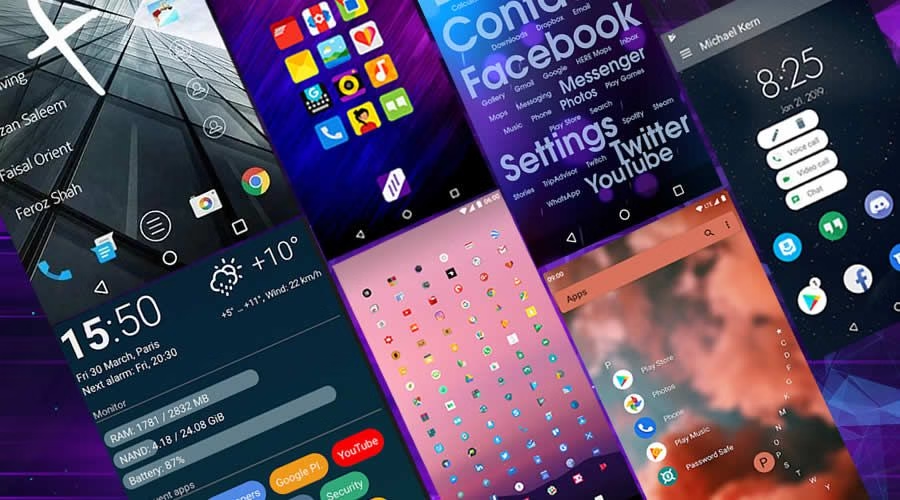
Nova Launcher, the custom launcher most people install first, has changed hands twice in under two years. Branch bought it in 2022, original developer Kevin Barry left in September 2025 after being told to stop work on the app, and in January 2026 it passed to Swedish developer Instabridge, which has signalled it is considering putting ads inside the launcher. That is a lot of instability for a piece of software that sits between you and everything else on your phone.
I have gone through the install-customise-revert cycle at least fifteen times over the years, and I always end up back on whatever launcher my phone shipped with. For a long time I assumed that was a failure of commitment on my part. It is not. Default launchers hold real advantages that have nothing to do with how they look, and a few of them are more concrete than the arguments people usually make.
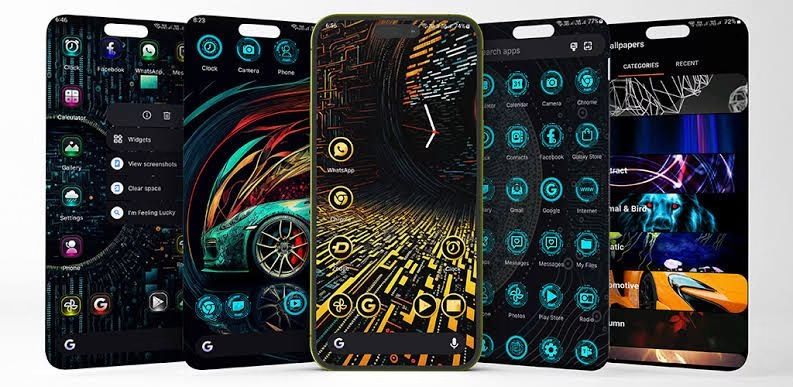
Your phone’s battery manager treats a custom launcher as a foreign app
This is the argument I wish someone had given me years ago, because it explains the single most annoying thing about custom launchers. Manufacturers like Tecno, Infinix, Xiaomi and Samsung run aggressive background management that kills apps sitting idle in memory, and a third-party launcher is exactly the kind of app that management targets. When it gets killed, pressing the home button means the launcher has to reload from scratch, so you get a blank screen and a second or two of waiting before your icons reappear.
The default launcher never has this problem because the system exempts it. It is part of the phone’s software rather than something running on top of it, so no battery optimiser is ever going to decide it is expendable. On a phone with 4GB of RAM, which describes most handsets sold in Nigeria, this difference shows up constantly rather than occasionally. You can usually work around it by exempting the custom launcher from battery optimisation under Settings > Apps > [launcher] > Battery, though the fact that a workaround is needed at all is telling.
The related point about RAM is simpler. A custom launcher does not replace the built-in one, since you cannot uninstall the default on most phones, so you end up with two launchers installed and one of them running. On a phone that is already tight on memory, that is a real cost even if it is a small one.
The battery claim is smaller than people say, including me
I have previously said custom launchers cost 5 to 10 percent of battery over a day. I no longer think that figure is defensible. A launcher is only actively drawing when you are looking at the home screen, which is a small fraction of screen time for most people, and Nova in particular was always one of the lighter apps in this category rather than a heavy one. Whatever the difference is, it is well below what a bright screen or a weak signal costs you.
What does affect battery in a measurable way is a live wallpaper, which redraws continuously, and widgets that poll for data every few minutes. Those are choices you make inside a launcher rather than properties of the launcher itself, and you can make the same mistakes on a default launcher. If battery life is your actual concern, the settings that genuinely extend Android battery life will do far more for you than which launcher you run.
System updates break third-party launchers and nobody fixes them quickly
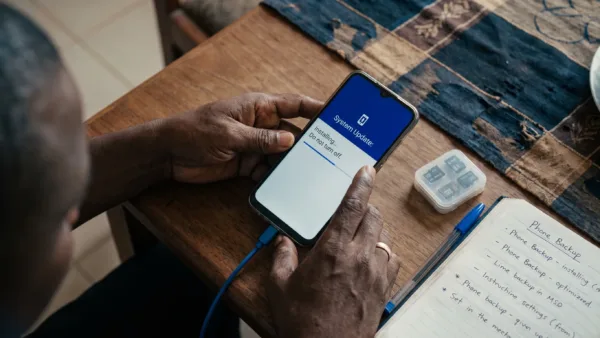
When your phone takes a system update, the manufacturer has tested its own launcher against that build. A third-party launcher has not been tested against it at all, so gestures stop registering, widgets misbehave, and the app drawer starts acting strangely until the developer ships a compatibility fix. I lost two weeks to exactly this with Microsoft Launcher, where gesture navigation became unreliable after an Android update and I had no option but to wait.
The Nova situation makes this concern sharper rather than theoretical. A launcher that has changed owners twice and lost its original developer is not the software you want standing between you and your home screen when Android 17 lands on your phone. If a compatibility fix is slow to arrive, or never arrives, you are the one living with a half-broken home screen. Post-update problems are confusing enough without adding that layer, and we covered the ordinary version of them in why Android phones get slow after updates.
Phone-specific features stop working properly, and you notice slowly
Notification badges are the usual first casualty, appearing late or not at all because the third-party launcher does not hook into the manufacturer’s notification system the way the built-in one does. Missing a WhatsApp badge for an hour is a small thing until it happens with something that matters. App suggestions based on usage are less accurate for the same reason, since default launchers have deeper system access than any third-party app is granted.
Beyond that, features like Samsung’s Secure Folder, Xiaomi’s Second Space and various split-screen behaviours are built to work with the launcher they shipped alongside. Custom launchers either do not support them or support them awkwardly. You paid for a complete phone experience, and swapping the launcher quietly gives back parts of it in exchange for a home screen that looks different.
The setup time is the cost nobody counts
Setting up a custom launcher properly runs to hours, between wallpapers, icon arrangement, widget placement, gesture configuration, icon packs and grid sizes. Then your phone resets, or you buy a new one, and the whole exercise starts again. I have spent more hours on this over the years than I want to add up, and the aesthetic I was chasing stopped registering within about three days each time.
What I actually use is the same handful of things everyone uses, which is opening apps from the home screen or drawer, a couple of widgets, and folders. Default launchers do all of that competently. The hundreds of extra features custom launchers advertise are things you want until you have them, at which point you discover you never open them. I installed Action Launcher specifically for its covers feature and used it twice.
When a custom launcher is genuinely the right call
Some default launchers really are bad, particularly on cheaper handsets where the manufacturer skin is cluttered with promotional content and app recommendations you cannot remove. If yours puts adverts in your app drawer, replacing it is a legitimate improvement rather than a hobby. Accessibility is another real case, since some people need larger grids, higher contrast or simpler layouts than the default offers.
If you do go custom in 2026, Niagara Launcher is lightweight and actively developed, and Smart Launcher is a reasonable alternative. Both are safer bets than Nova at the moment given its ownership situation. Whichever you choose, exempt it from battery optimisation straight away, keep the home screen to a couple of pages, and use a static wallpaper rather than a live one.
For everyone else, the honest position is that the default launcher is fine and always was. I still get tempted when a beautifully customised home screen shows up on my timeline, and I now put that energy into organising apps properly, choosing a decent wallpaper and using the two or three widgets that actually help me. My home screen is not going to impress anybody, and it has not needed my attention in months.